Startup
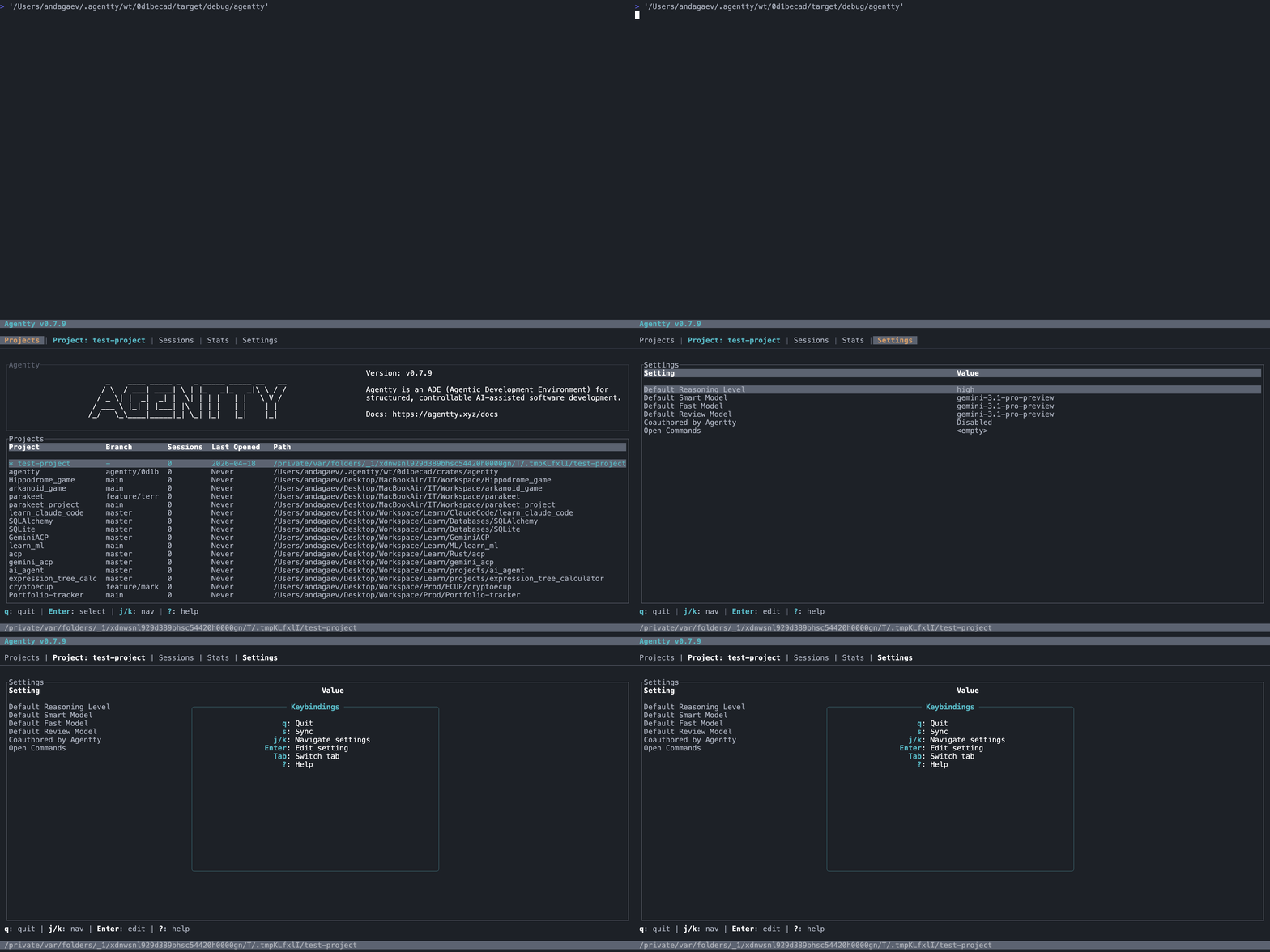
Launch agentty and land on the session list in seconds.
// product tour
Short, focused demos of the Agentty terminal interface.
Launch agentty and land on the session list in seconds.
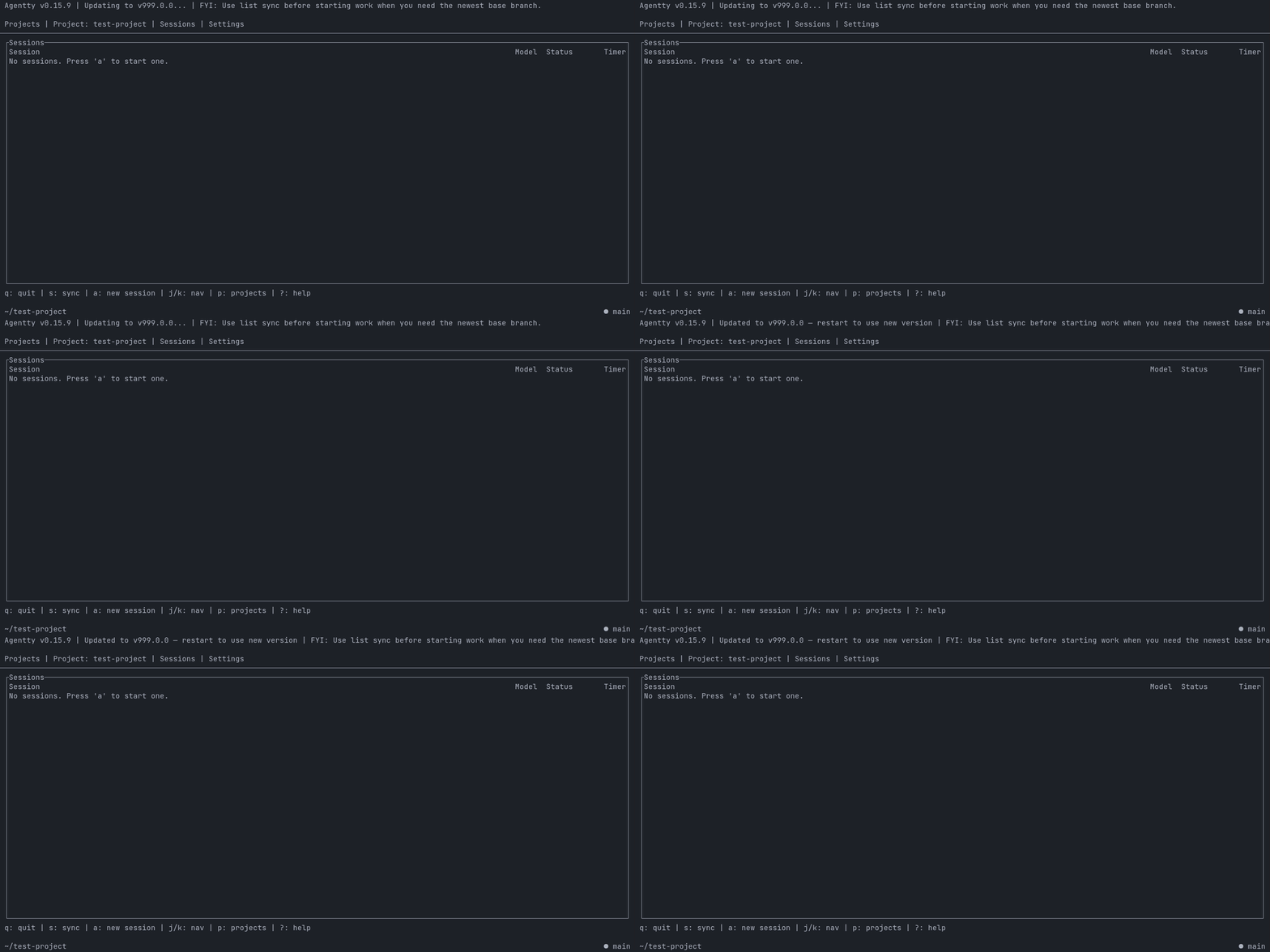
See Agentty install newly published versions while it remains open.
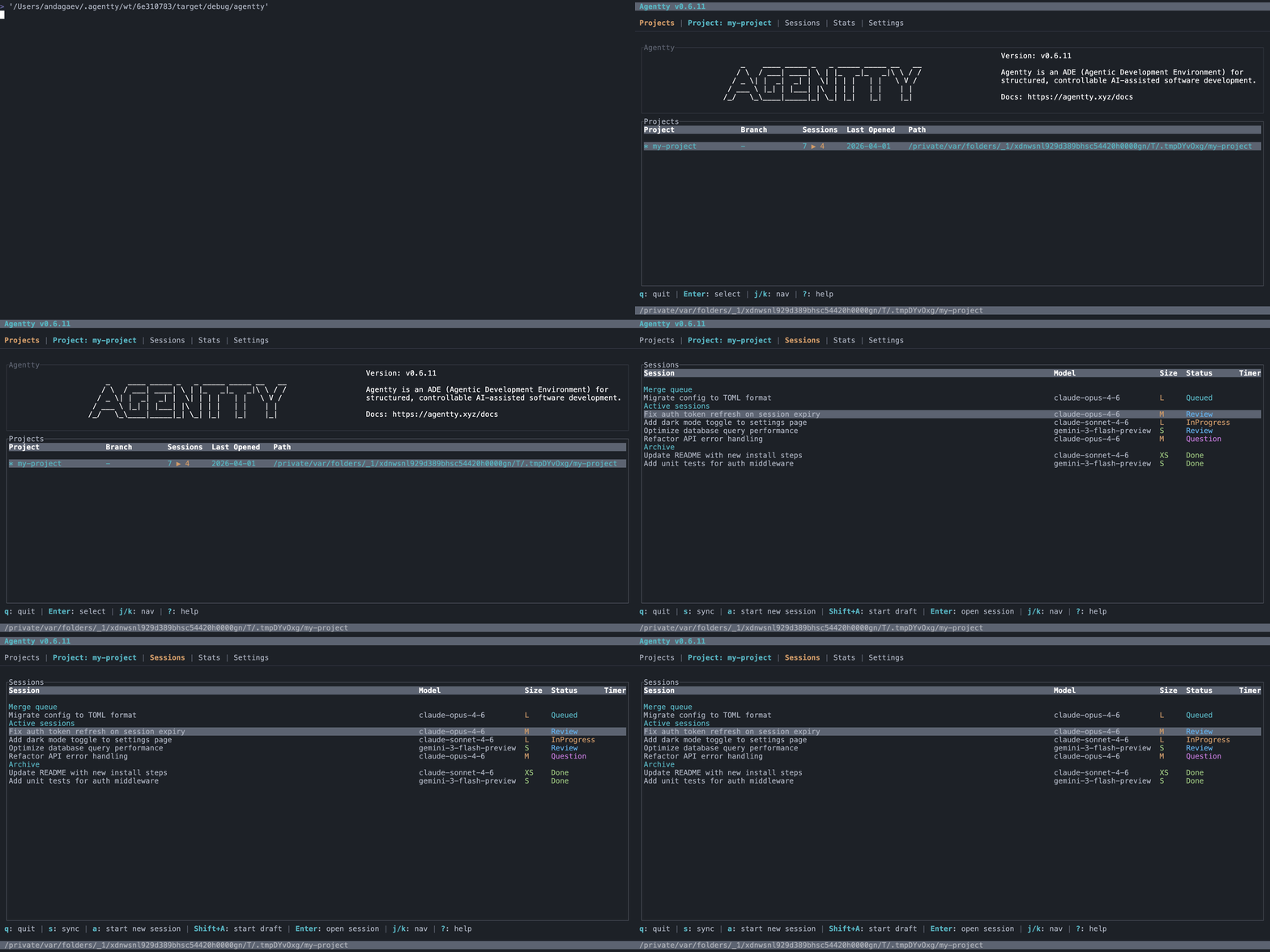
Track sessions across models with color-coded statuses. Active, queued, and archived work at a glance.
Create a session or append a review-ready session to an existing stack.
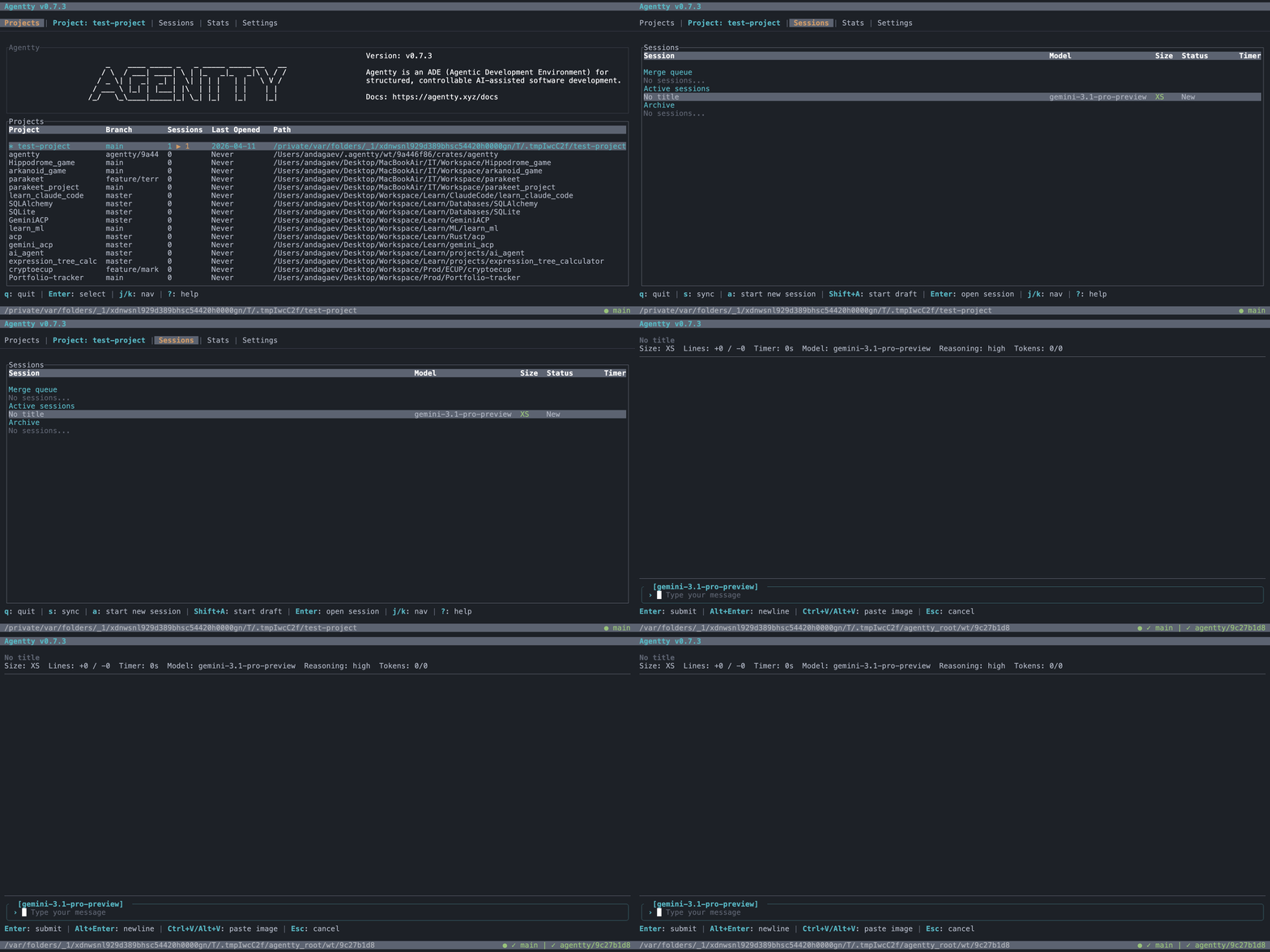
Create a draft session that clearly starts in local staging mode before the bundle runs.

See empty-session guidance and the available session types.
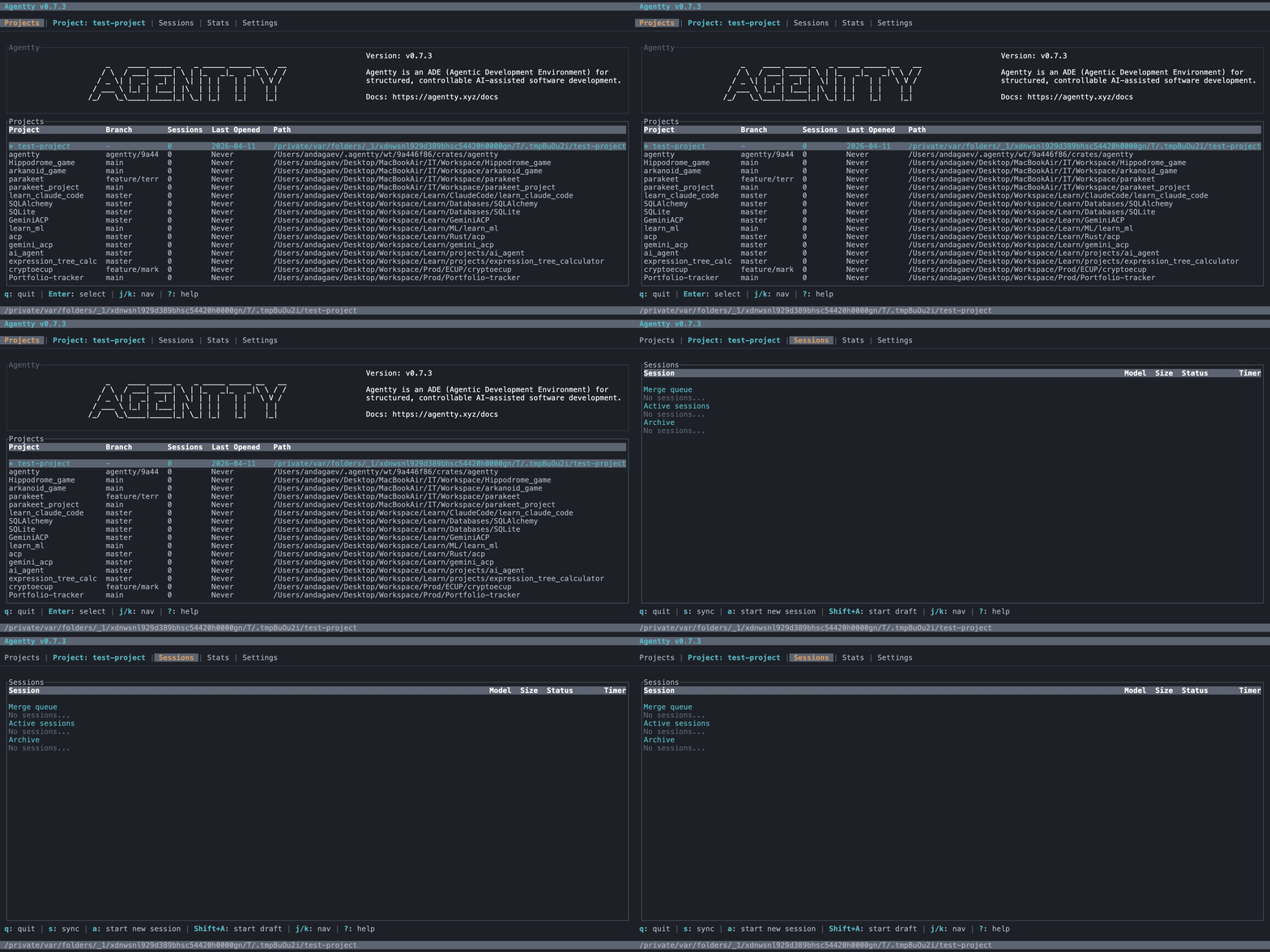
Move a review-ready session beneath another session and sync its branch.
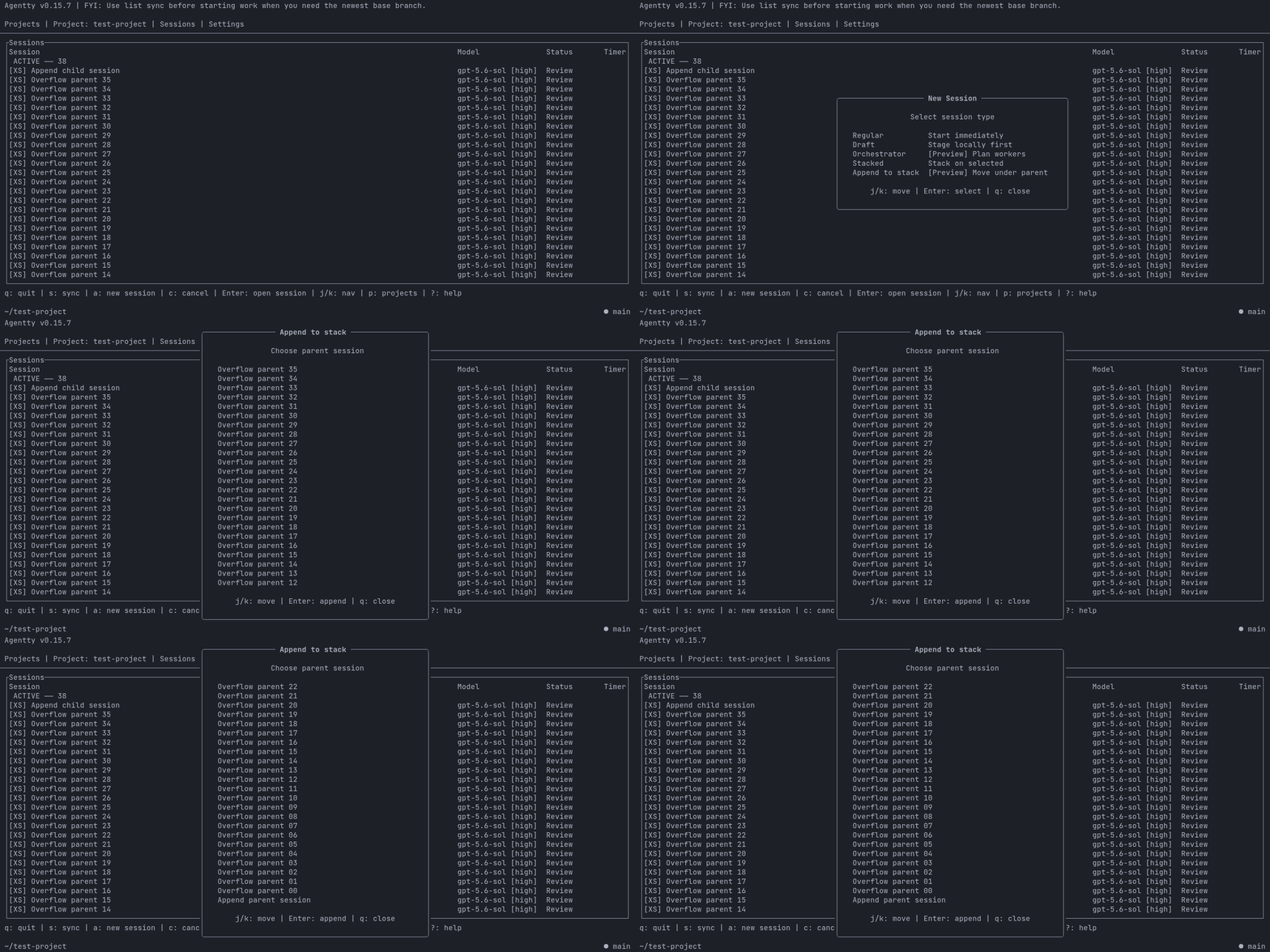
Type unavailable `/apply` in a review-ready session and keep the prompt intact.
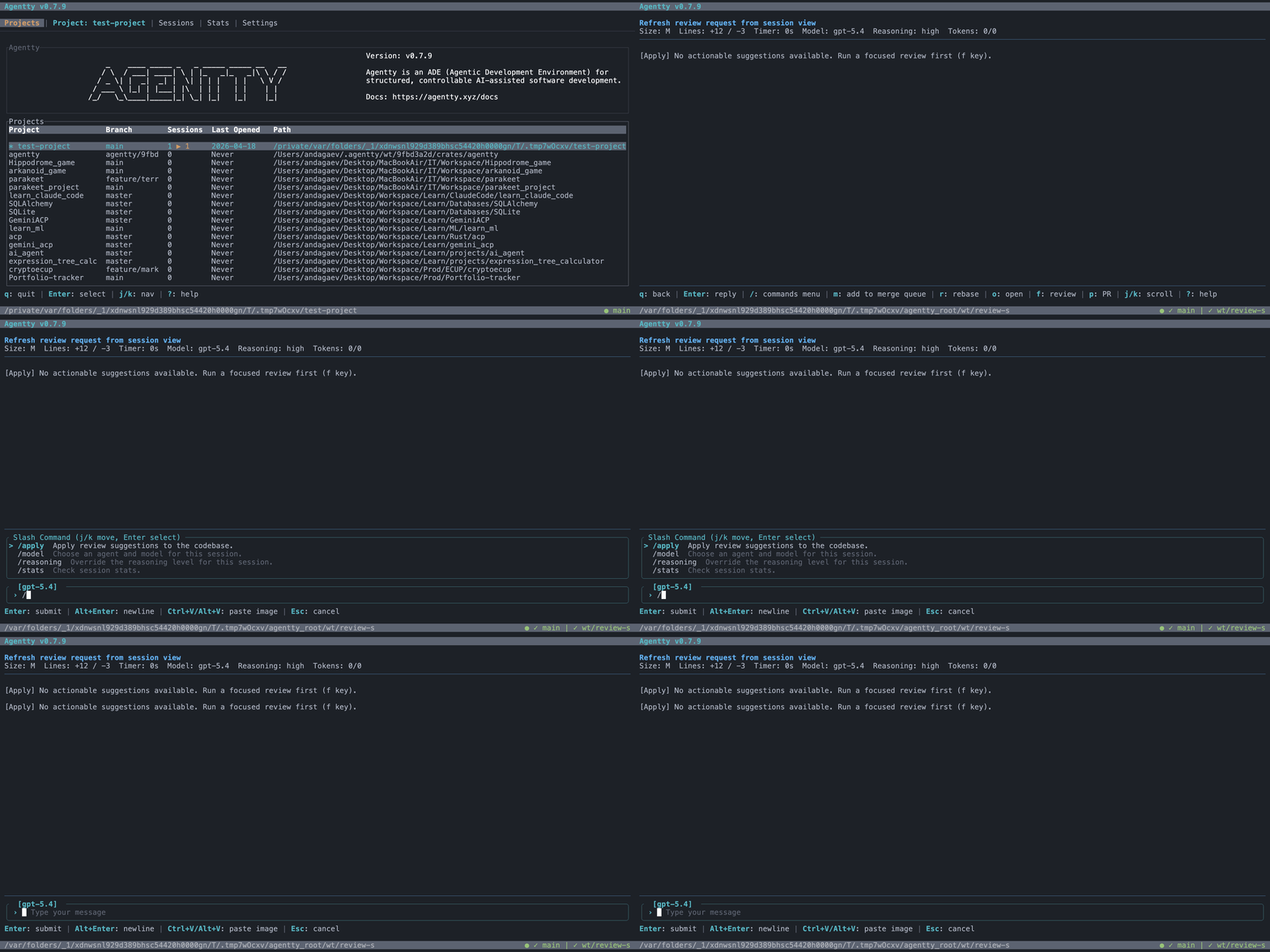
Open the review-request publish popup directly from session view with `p`.

Open a session with Enter and return to the list with q.
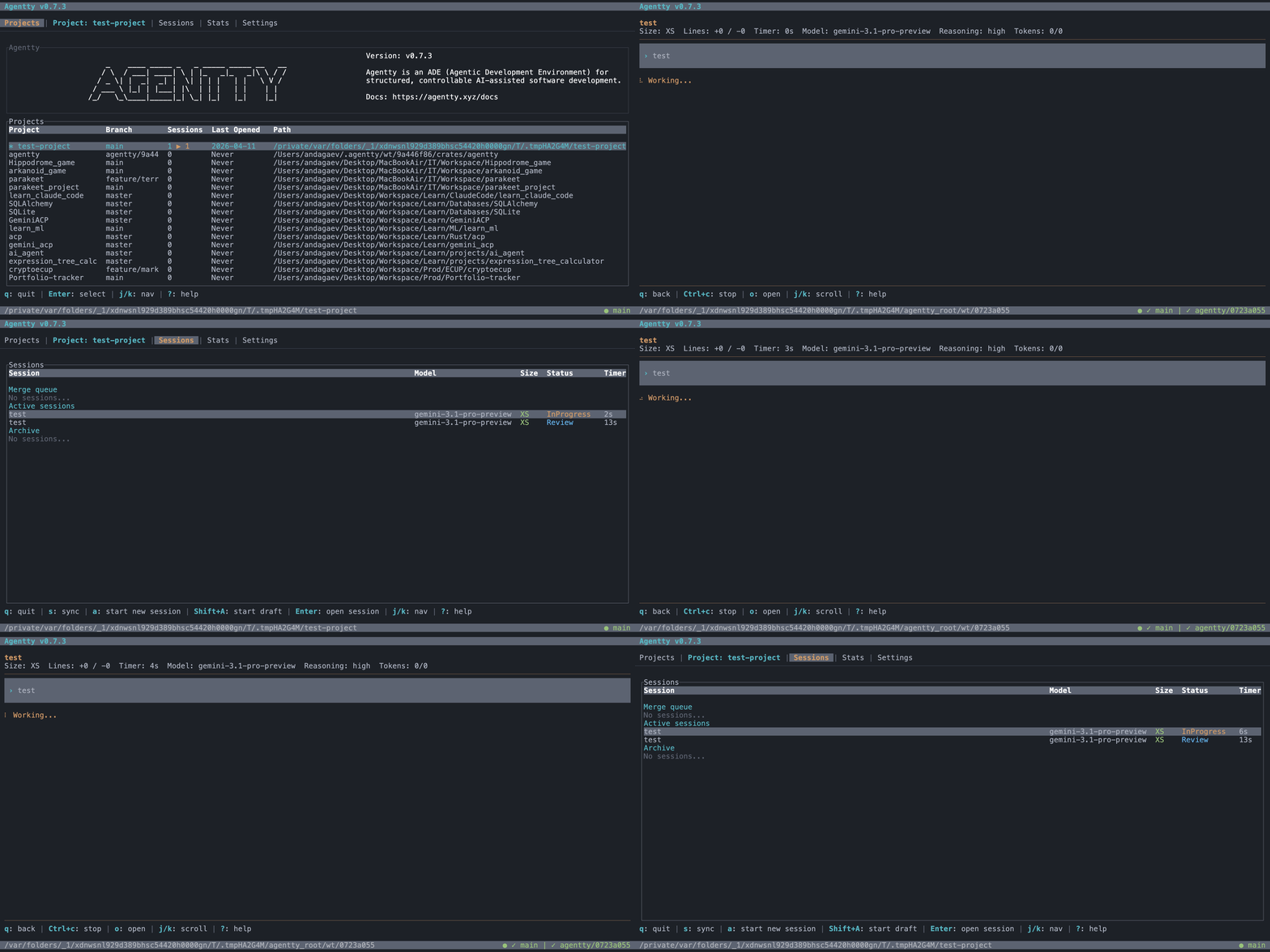
Choose concise, balanced, or detailed responses for each session.
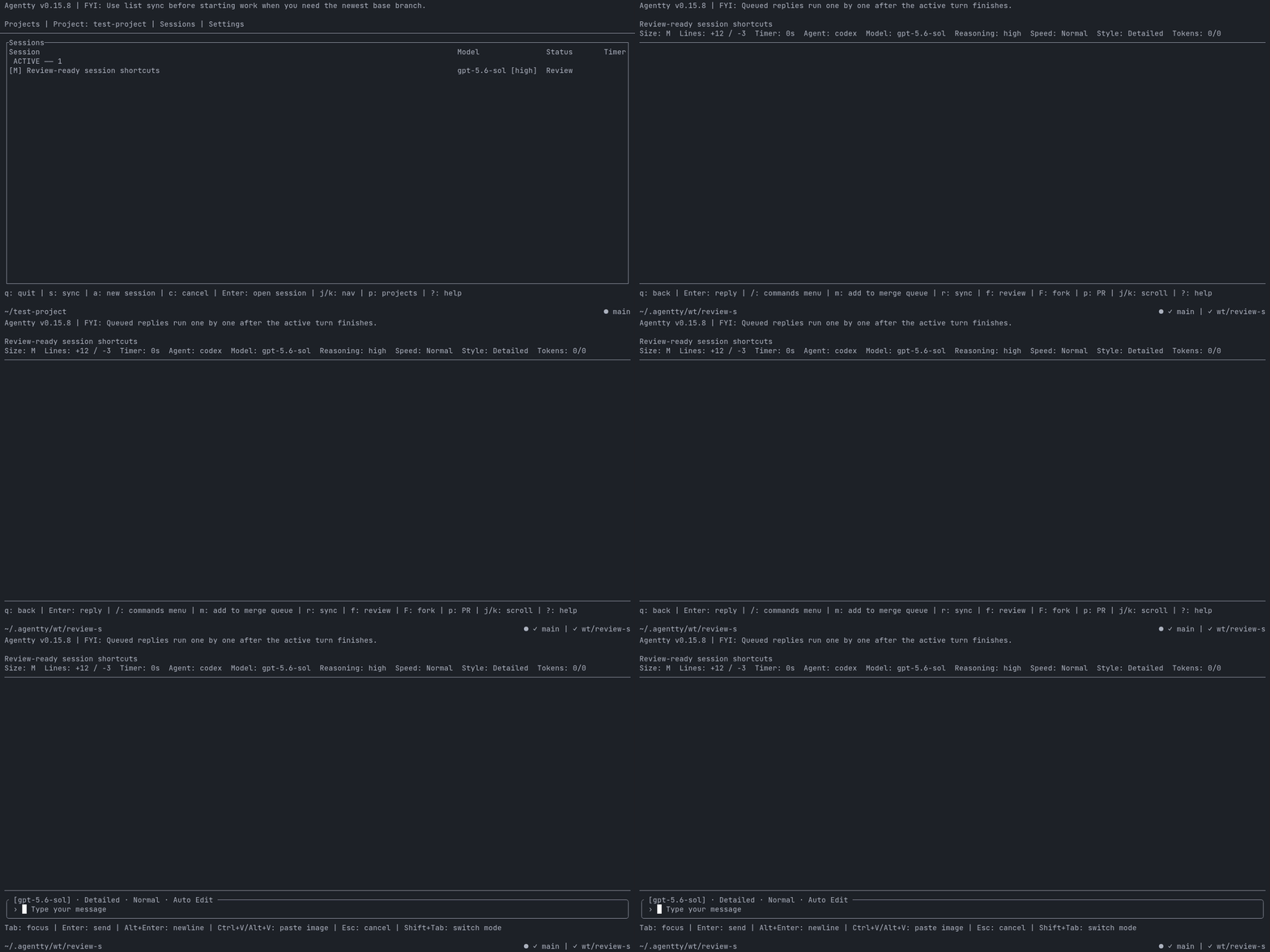
Review sessions track linked pull requests in the background instead of exposing a manual sync shortcut.

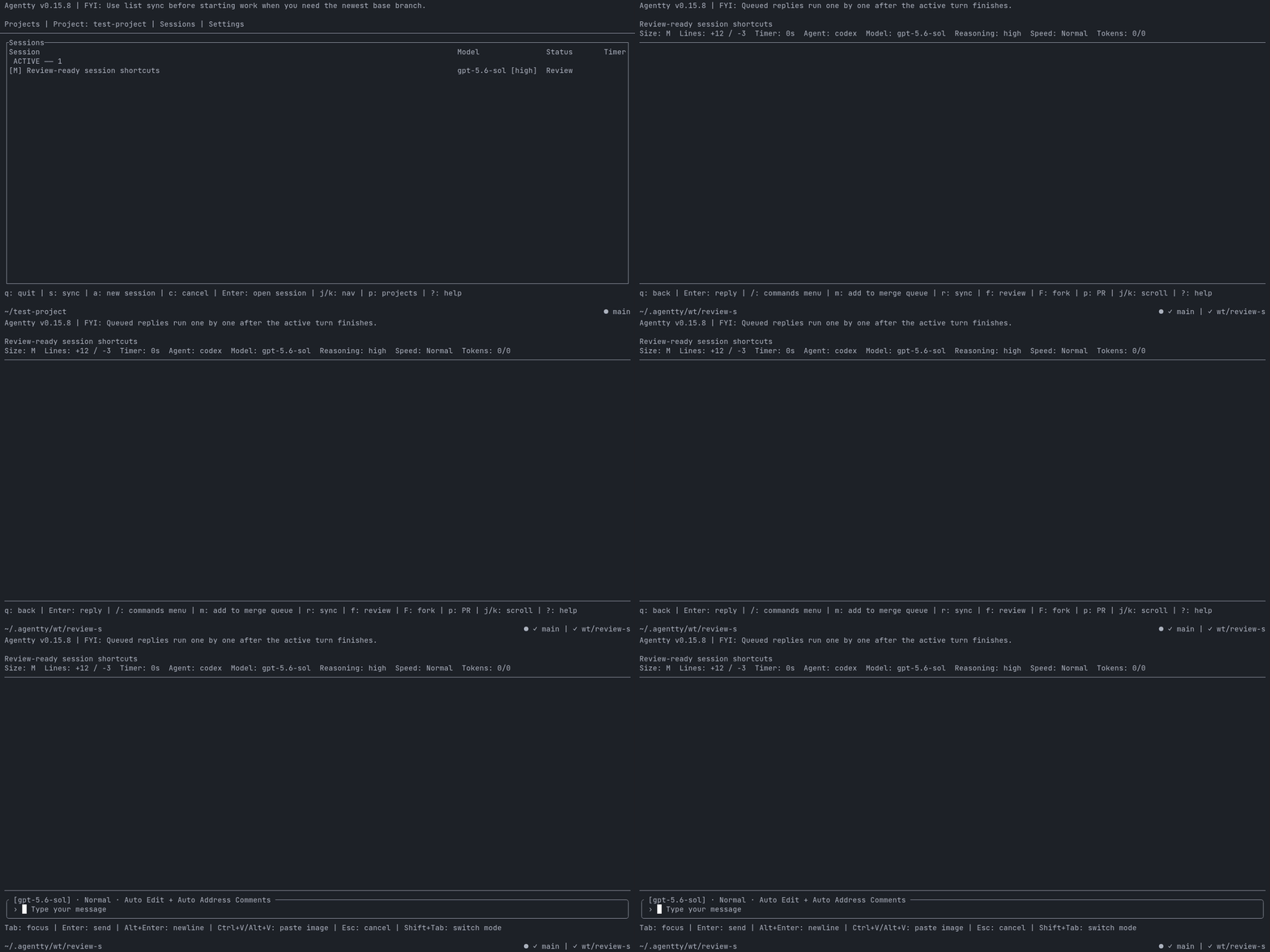
Choose auto-edit, auto-address, or read-only from the composer.
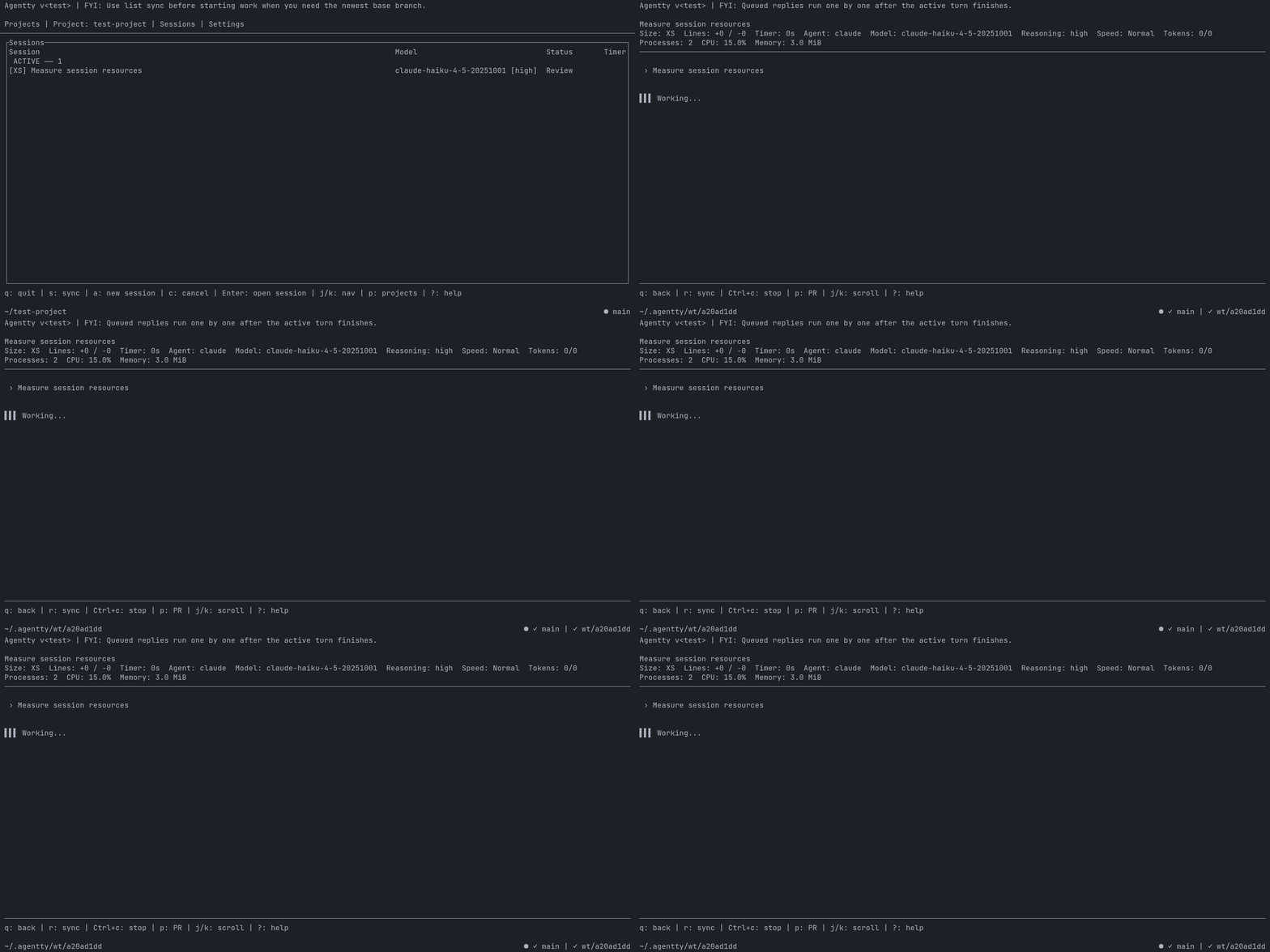
Inspect agent process count, CPU usage, and resident memory in session chat.
Enable auto-edit and apply focused-review suggestions for up to three iterations.
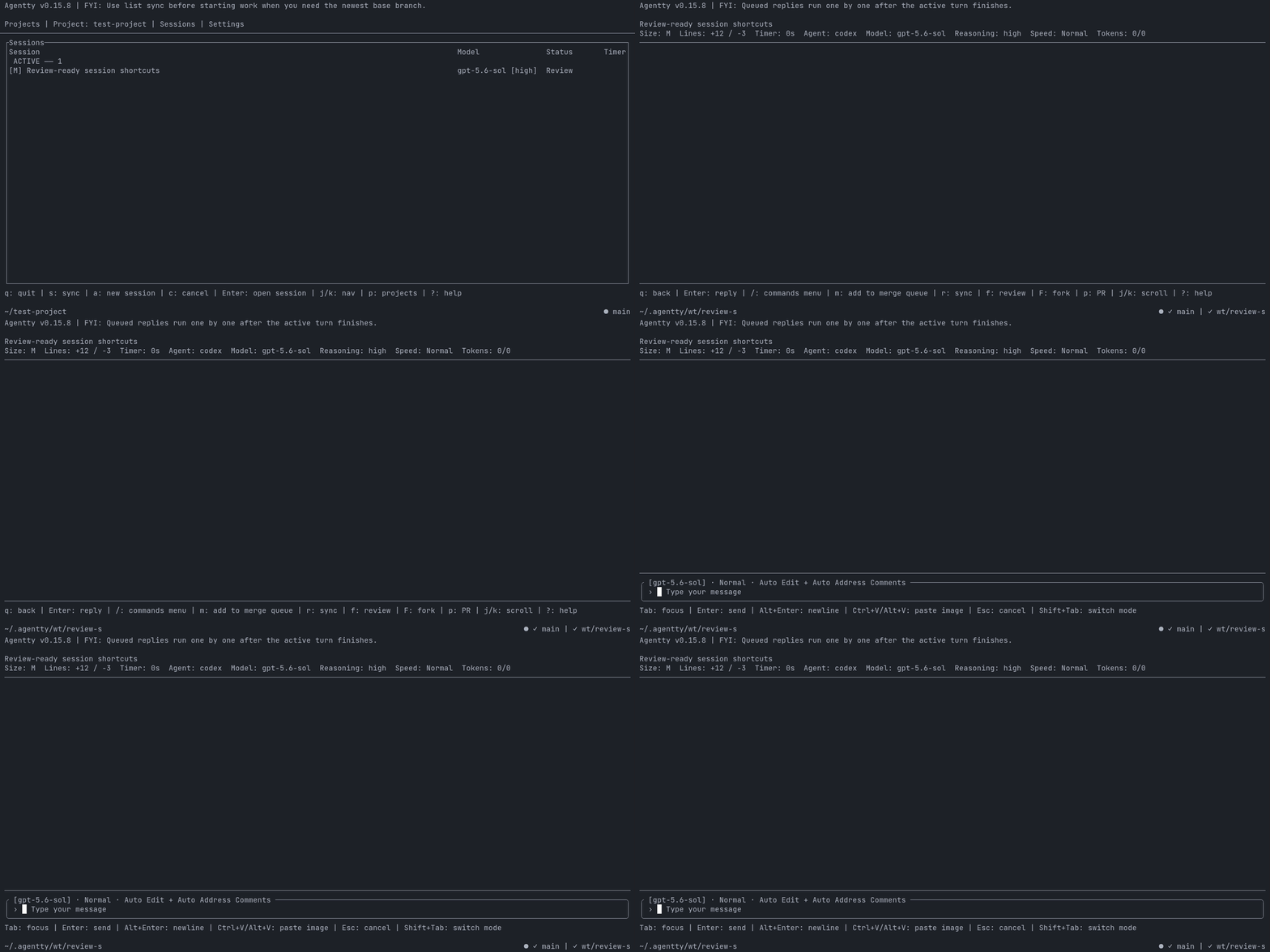
See host CPU temperature alongside session resource usage.
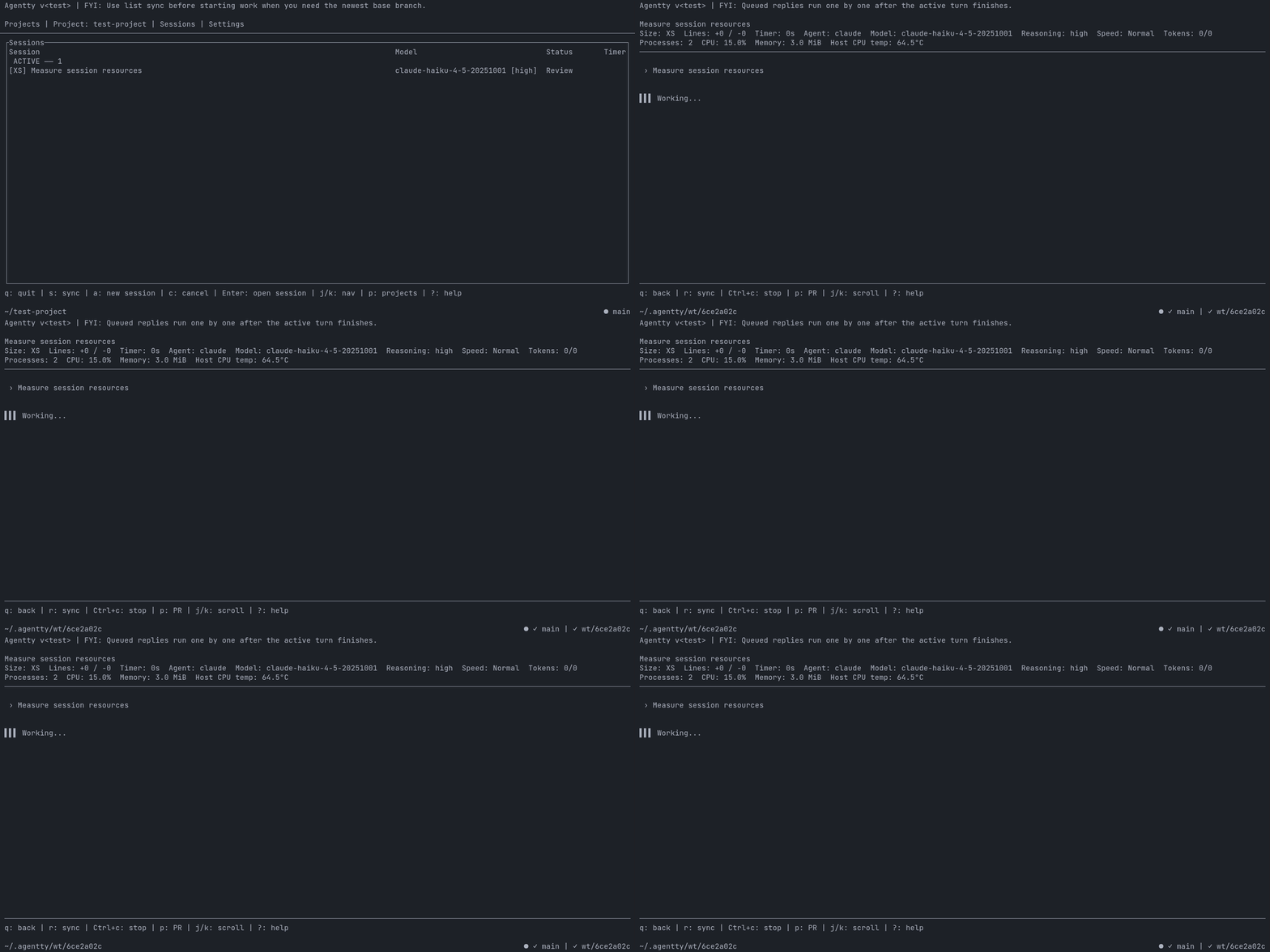
Navigate sessions with j/k keys to select and open different entries.
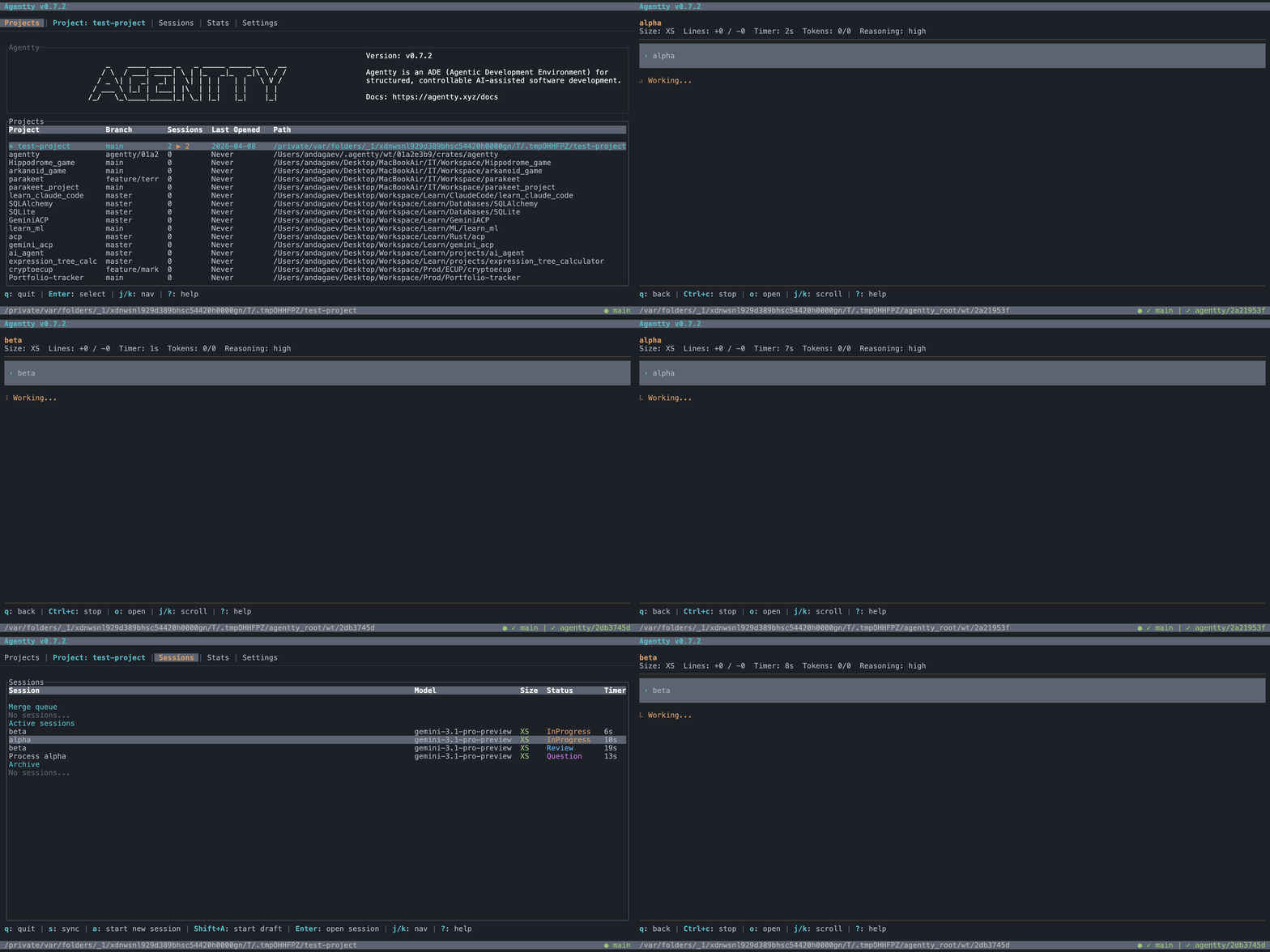
Browse changed files and linked review comments in one diff workspace.
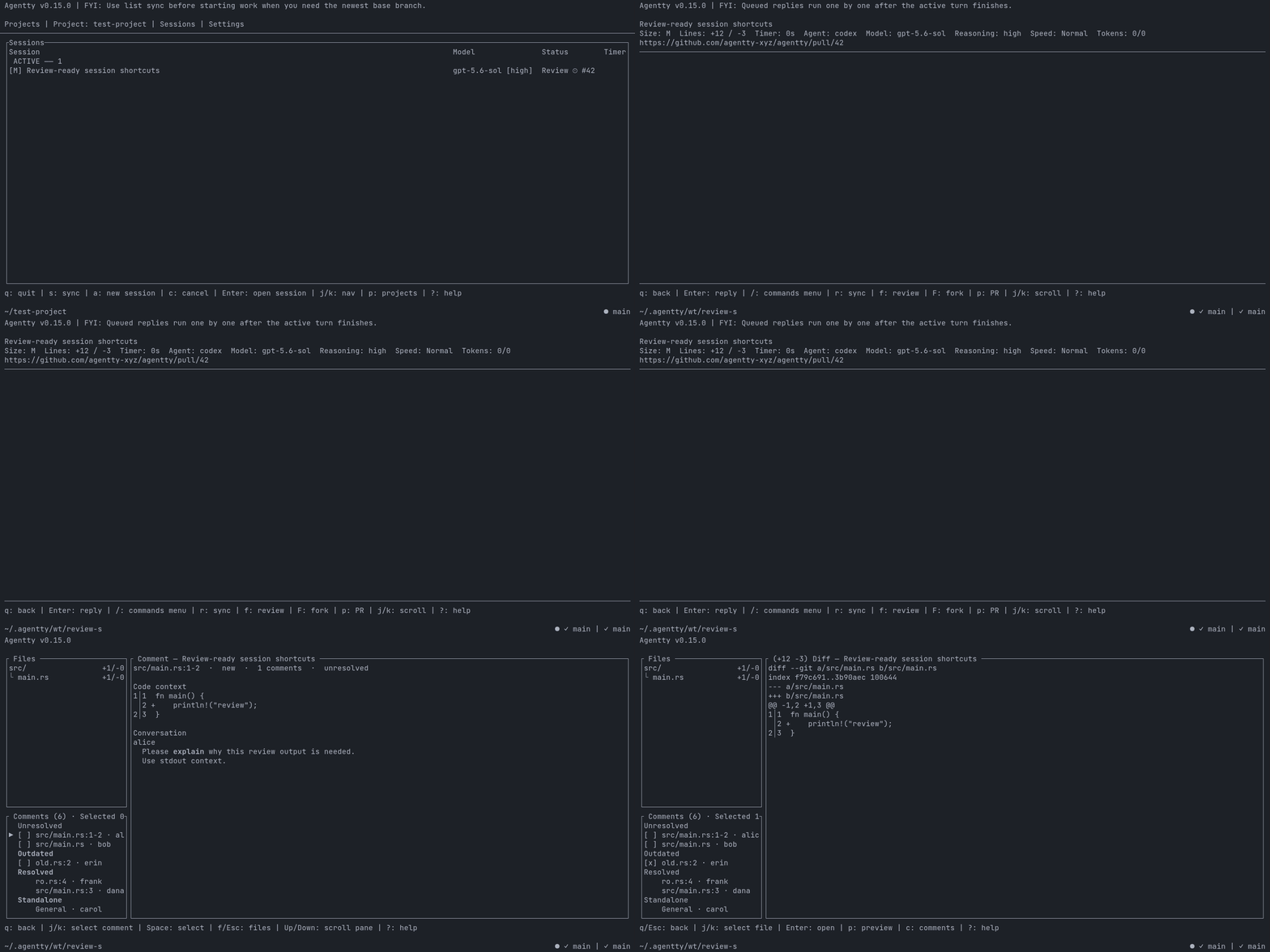
Agentty marks sessions whose branch conflicts with its base branch in the list and session view.
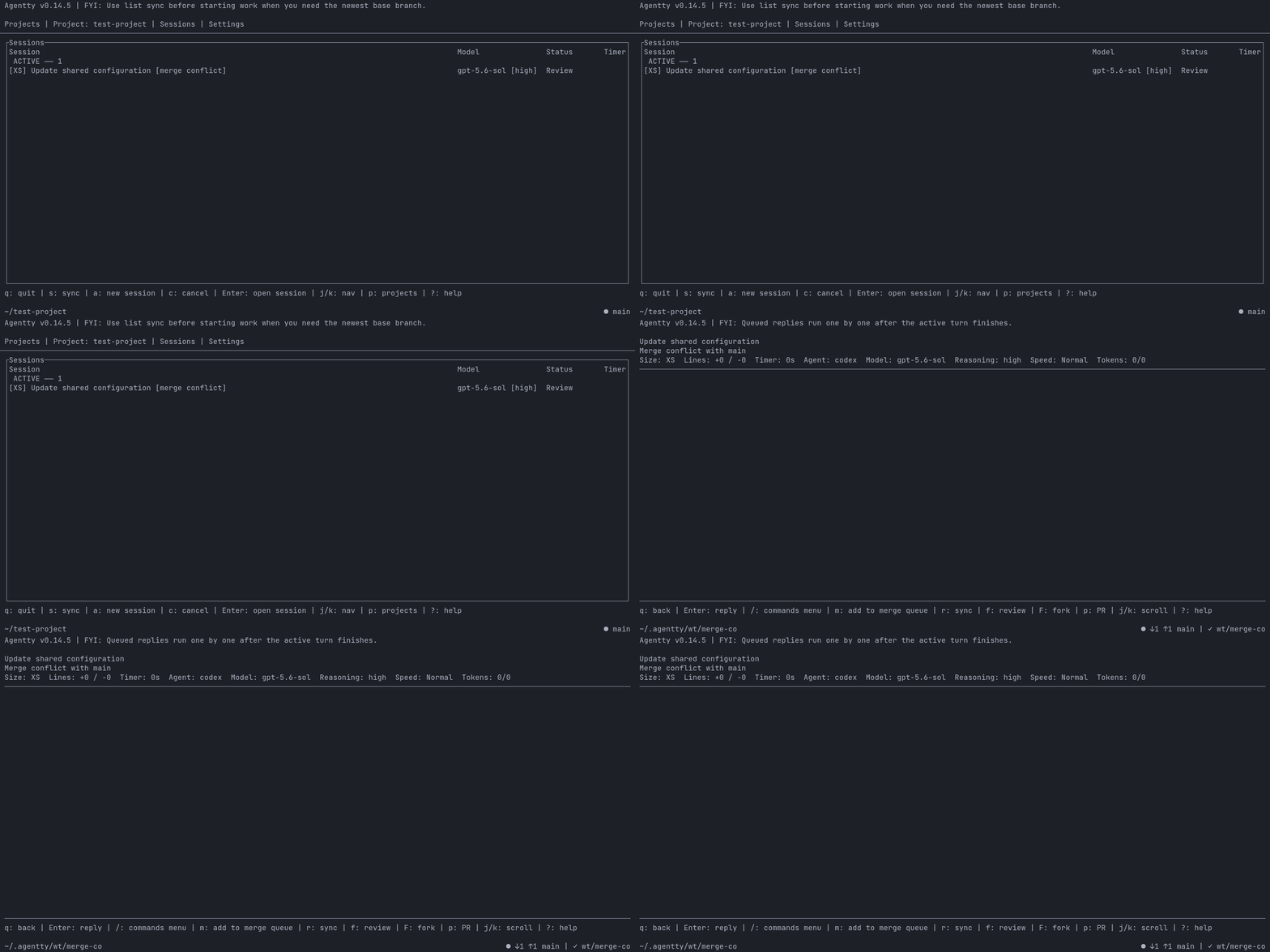
Keep file and inline diff comments across screens, then submit them together.
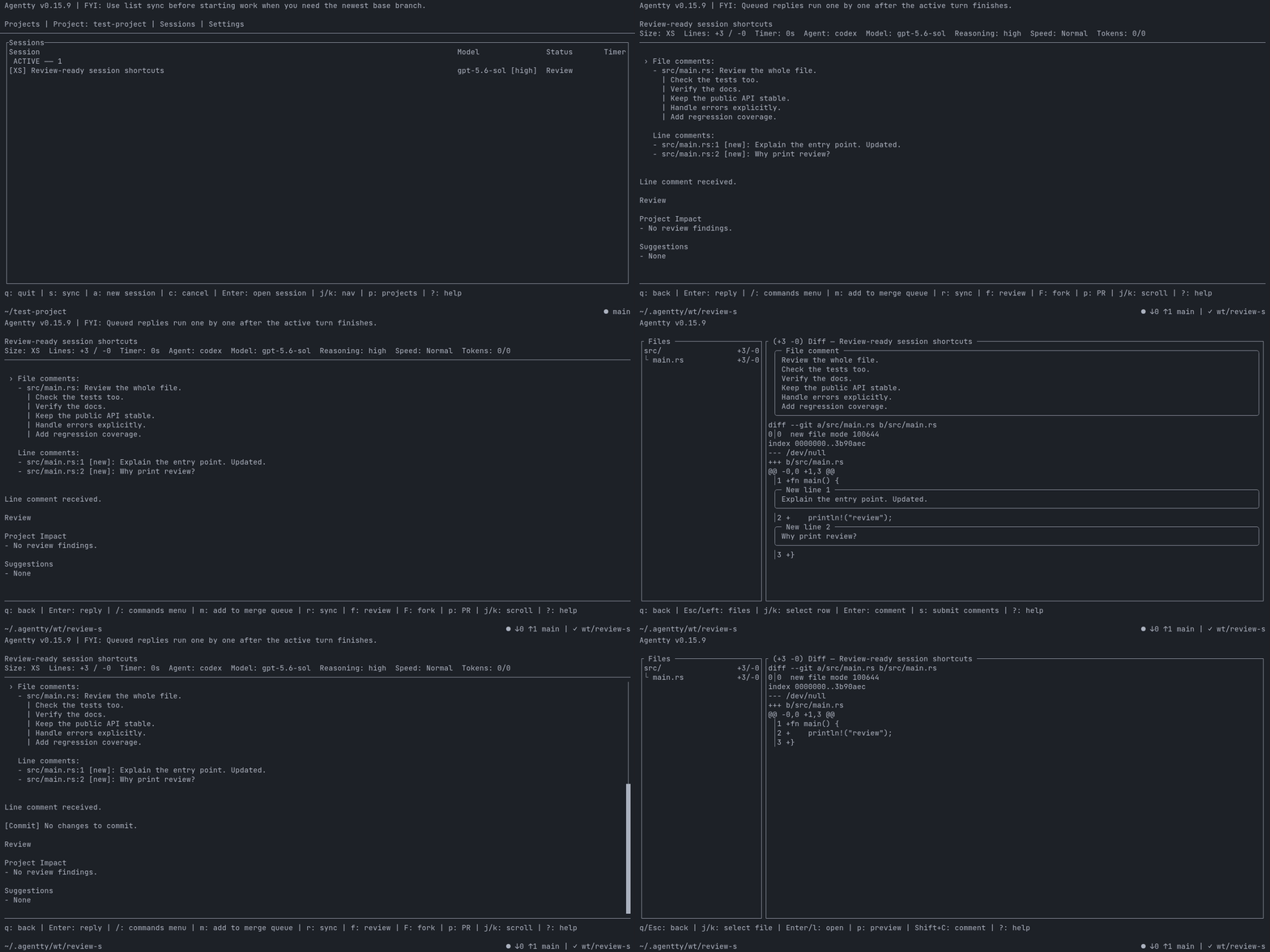
Press Tab to read the chat, then return to Sessions and reopen the composer without losing the typed draft.
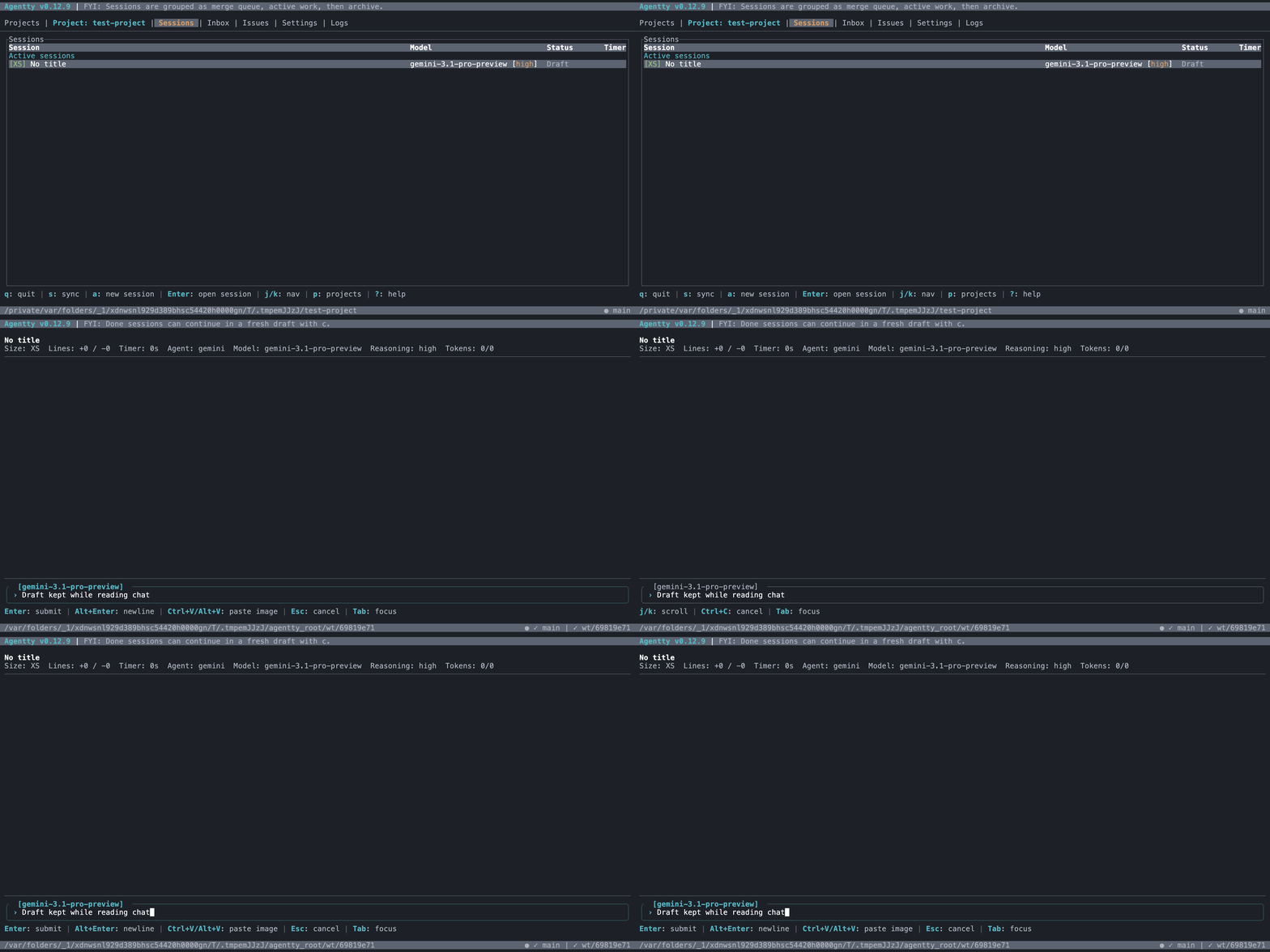
Navigate between projects, sessions, review requests, and settings without leaving the terminal.

Jump between workspace tabs with a single keypress.
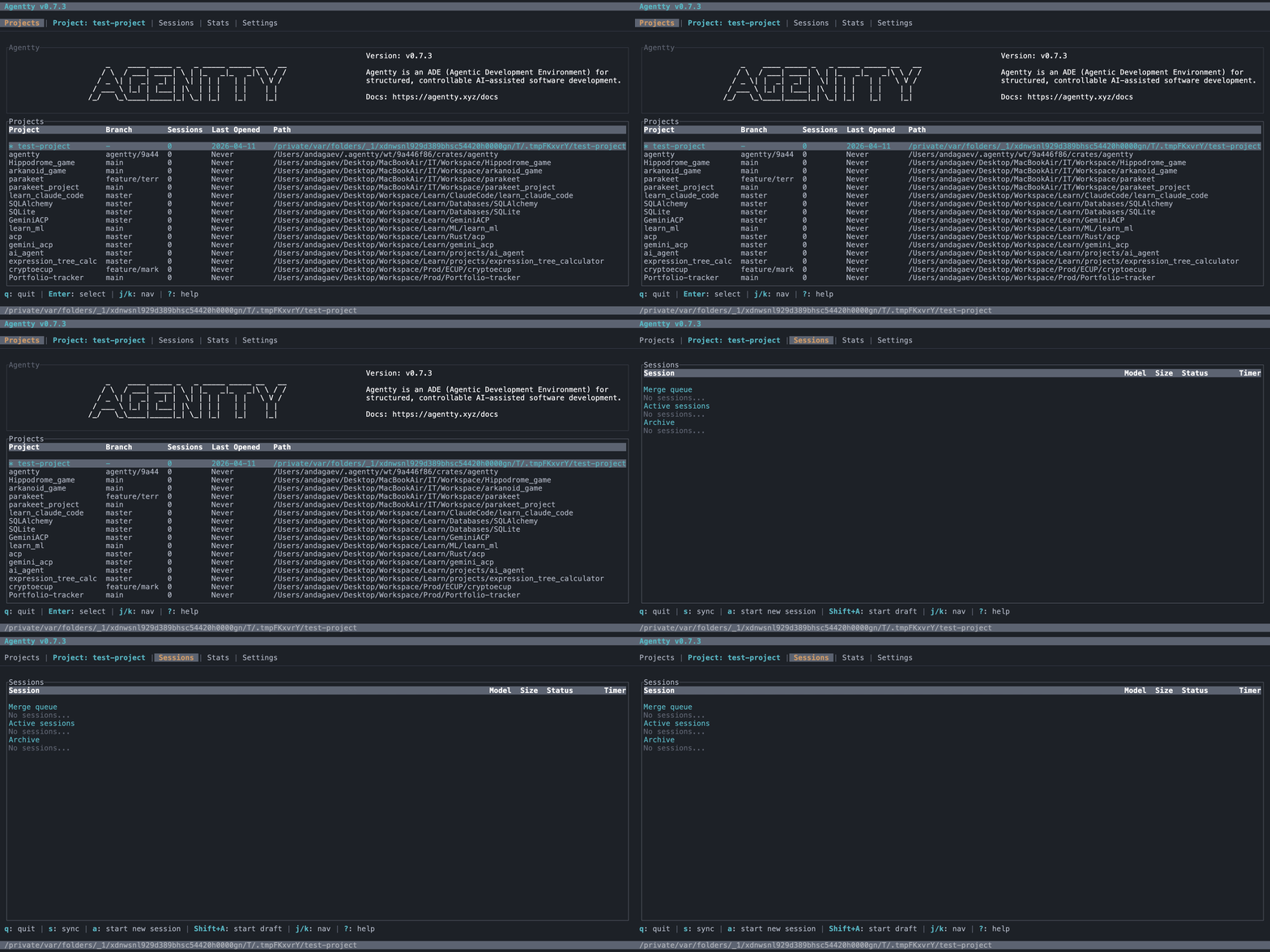
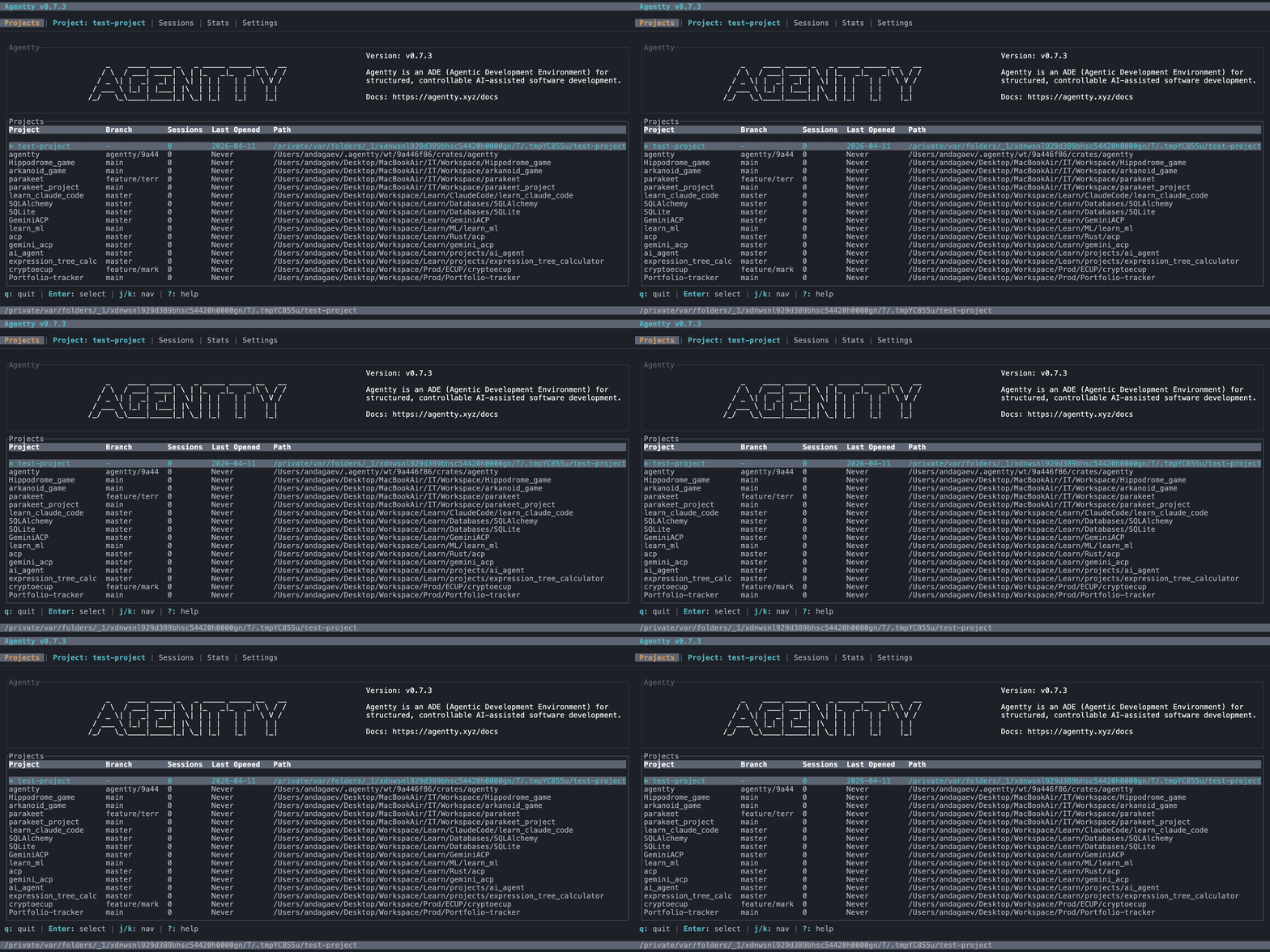
See project activity and switch between registered projects.
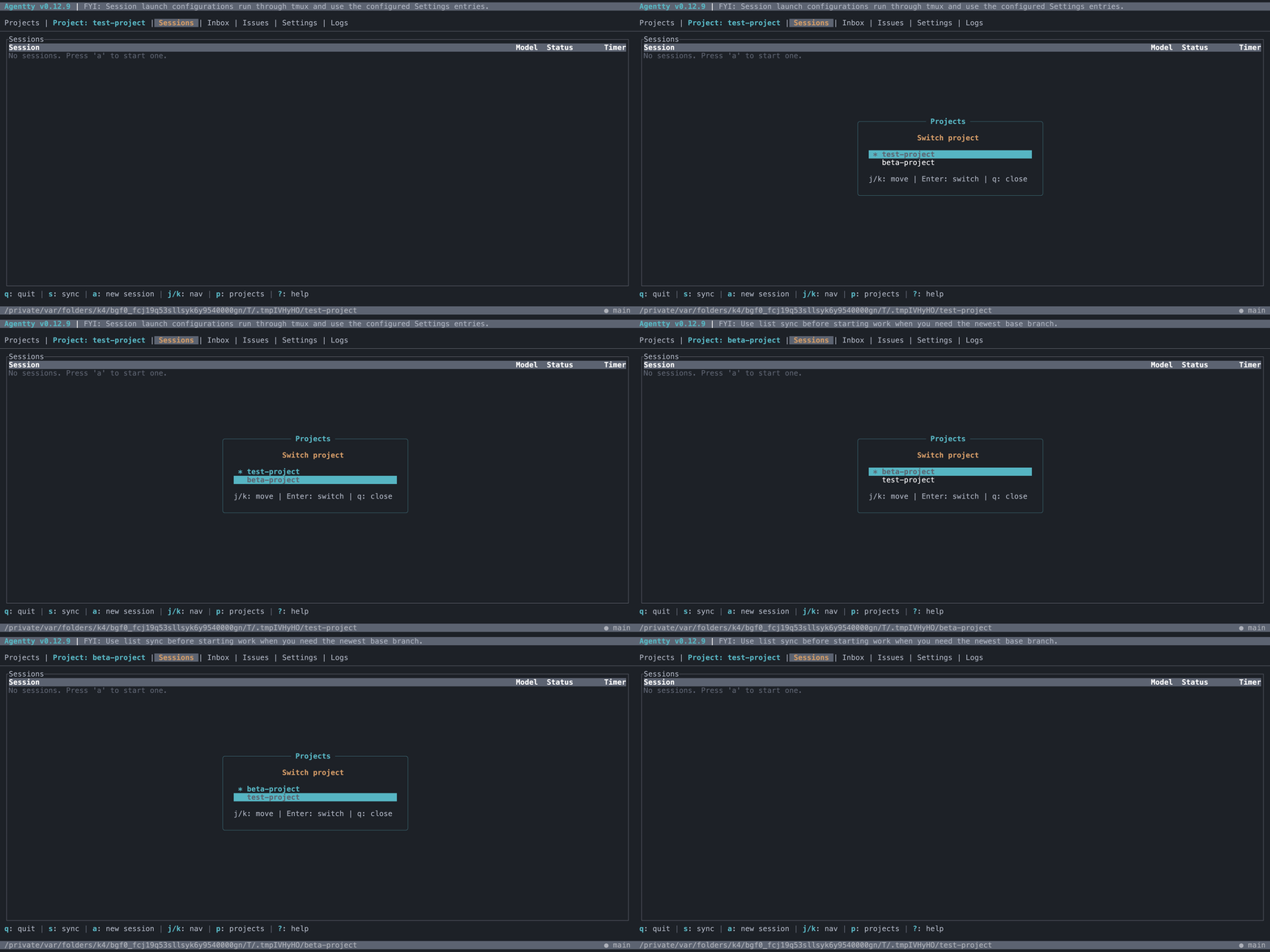
Switch the active project from the Sessions view with a quick MRU popup.
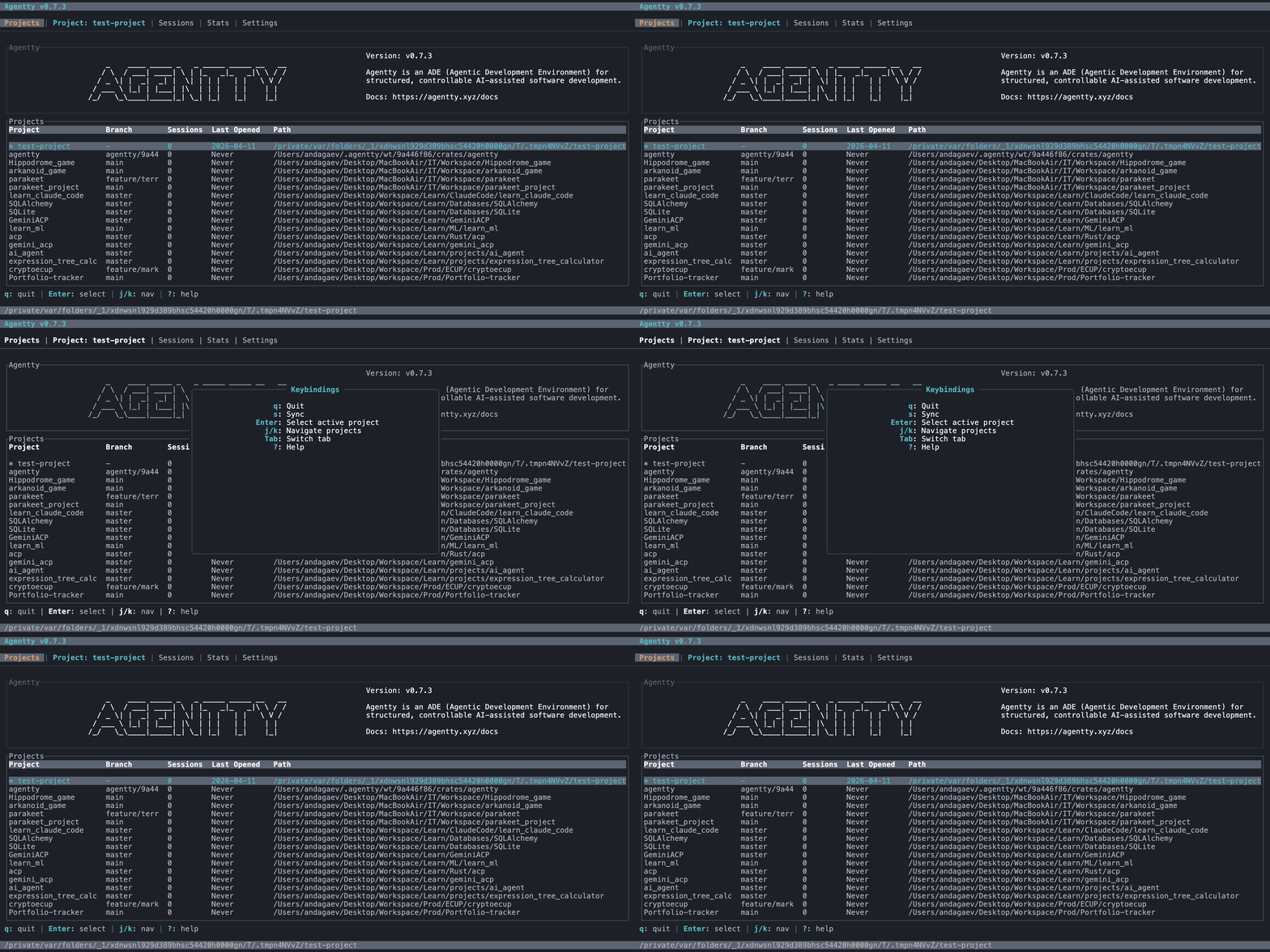
Press ? to see available keybindings for the current view.
Context-sensitive hints in the footer guide available actions.
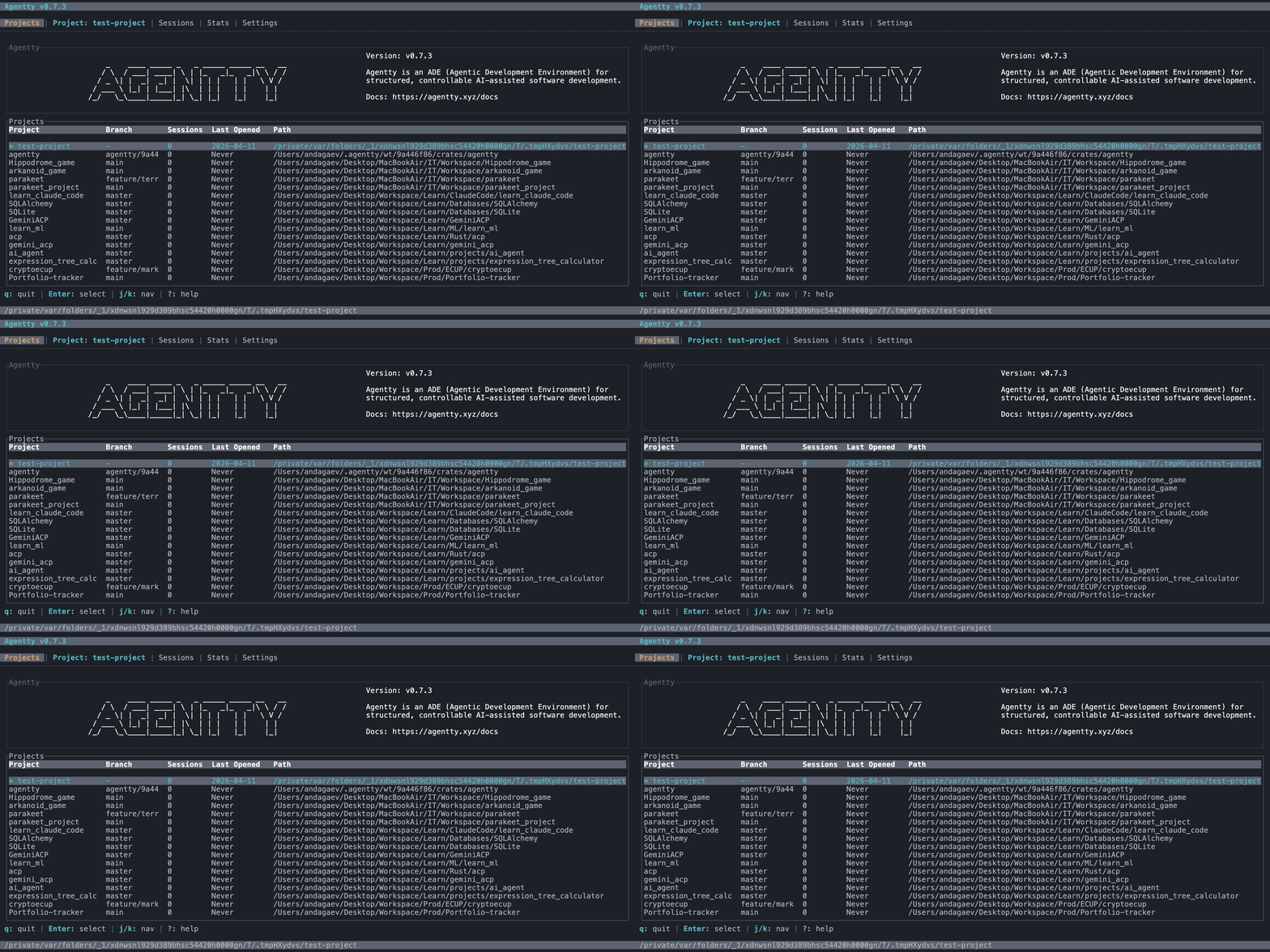
Type text into the prompt input and see it appear in real time.
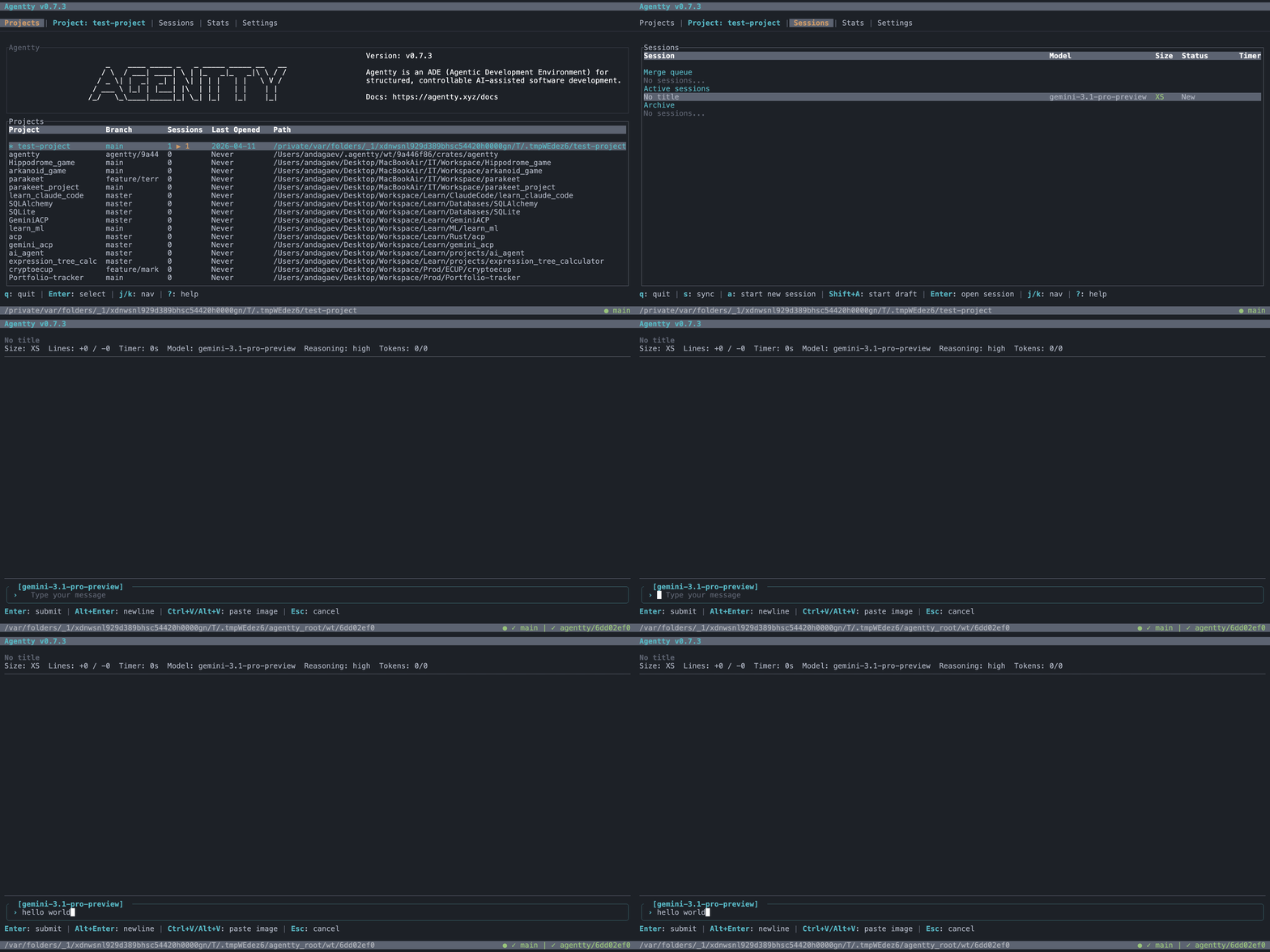
Cancel prompt input with Esc to return to the session view.
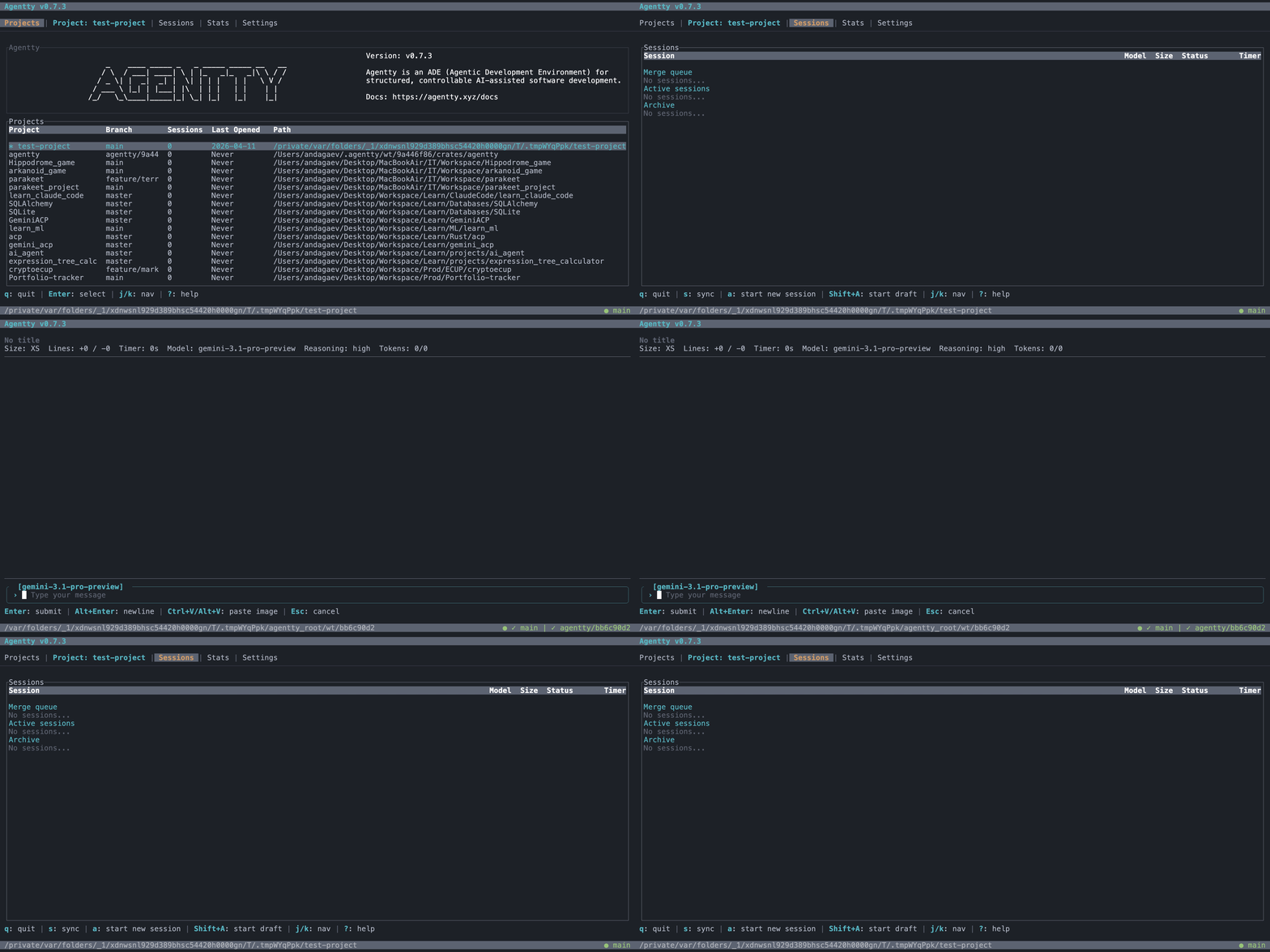
Browse project files with `@` before a draft session materializes its worktree.
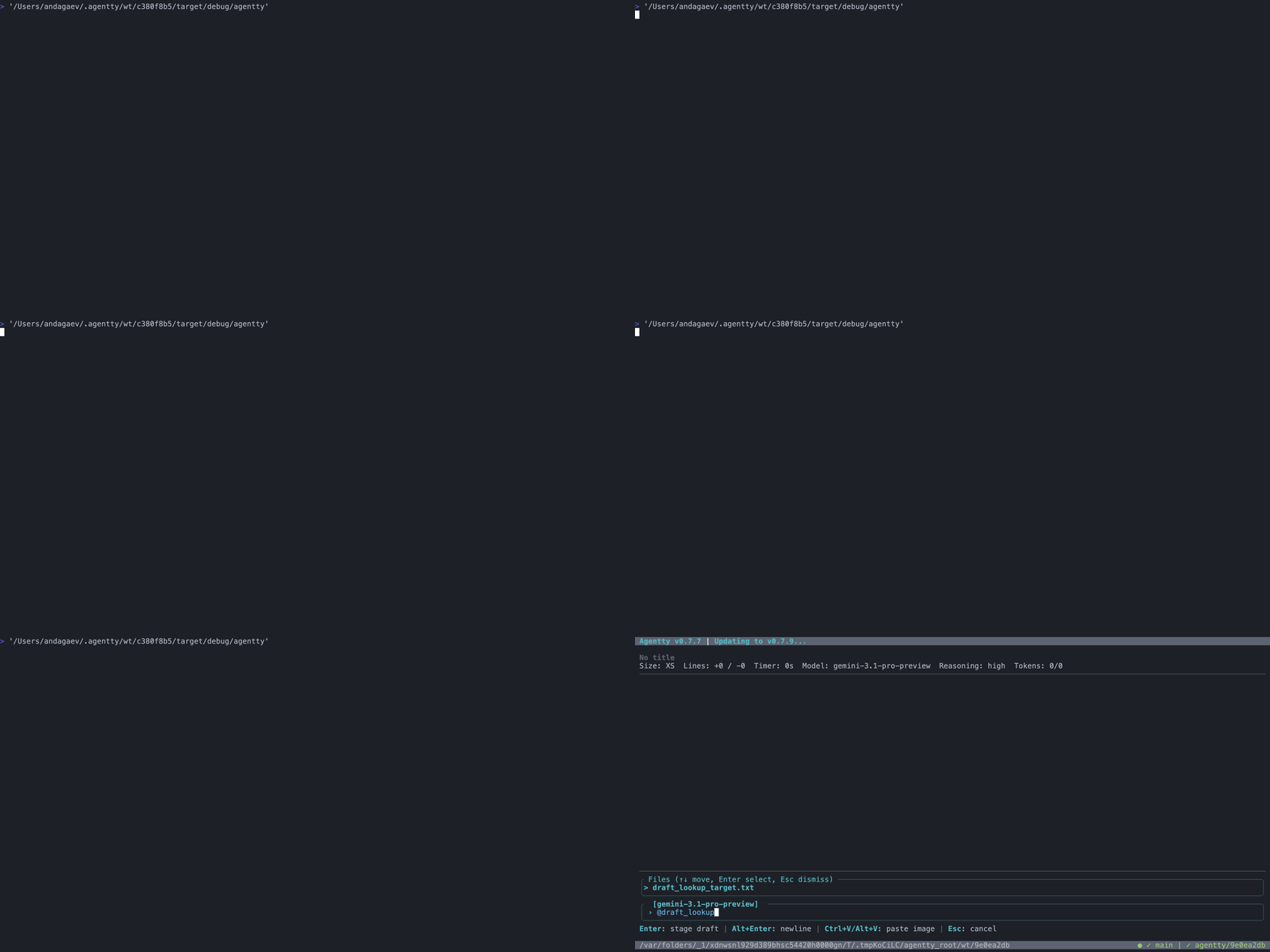
Insert newlines with Alt+Enter to compose multiline prompts.
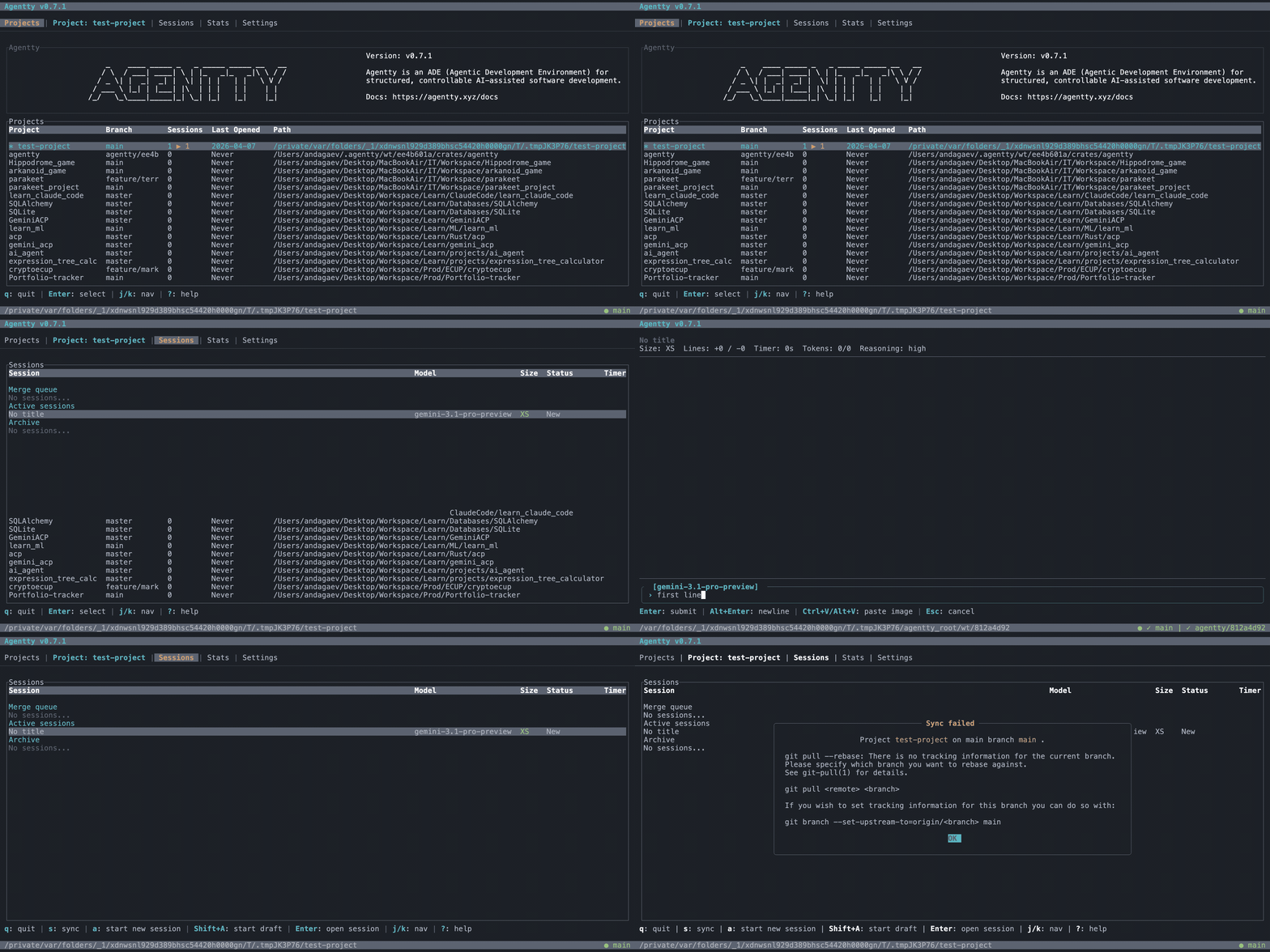
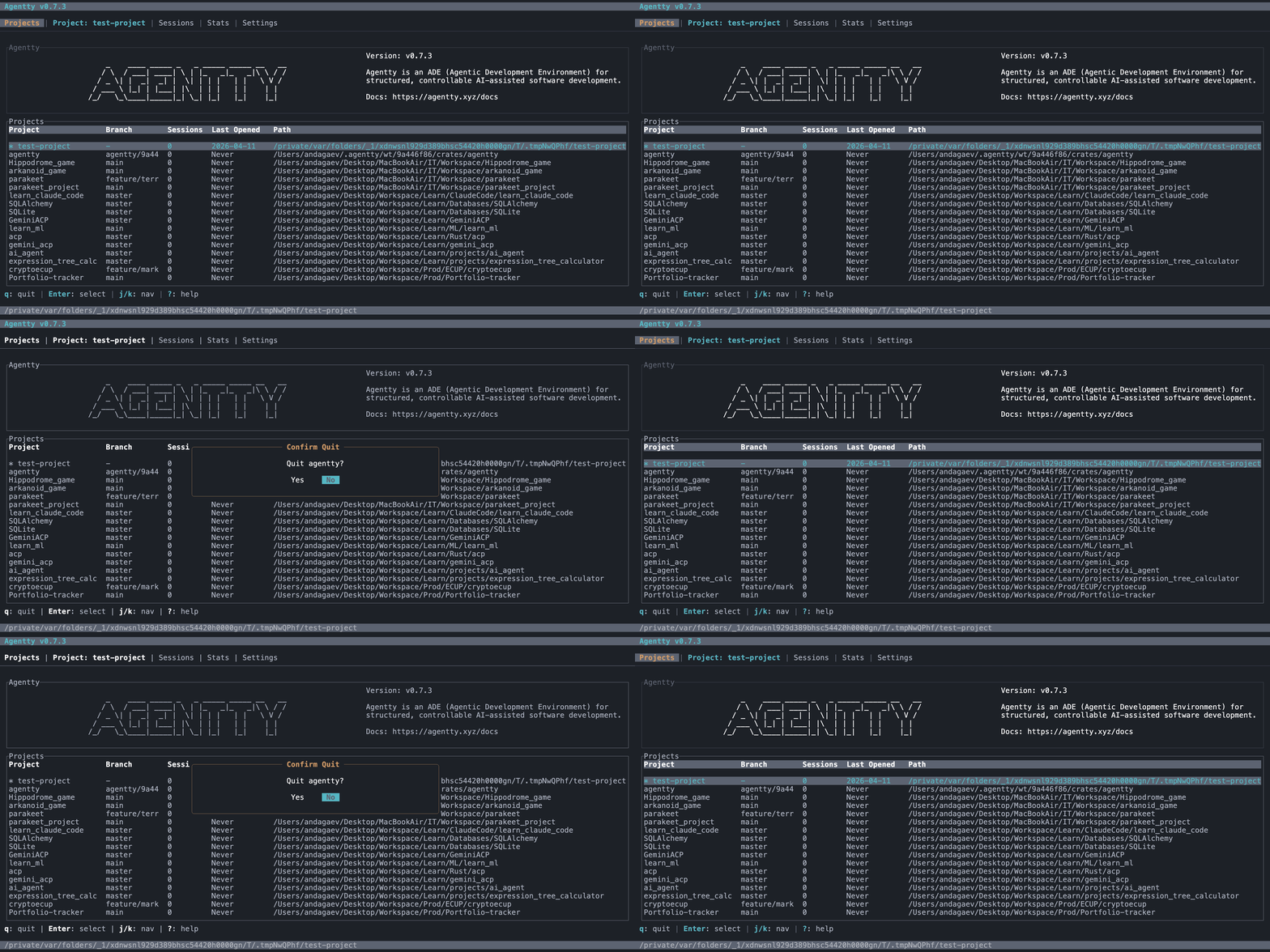
Confirm before quitting to prevent accidental exits.
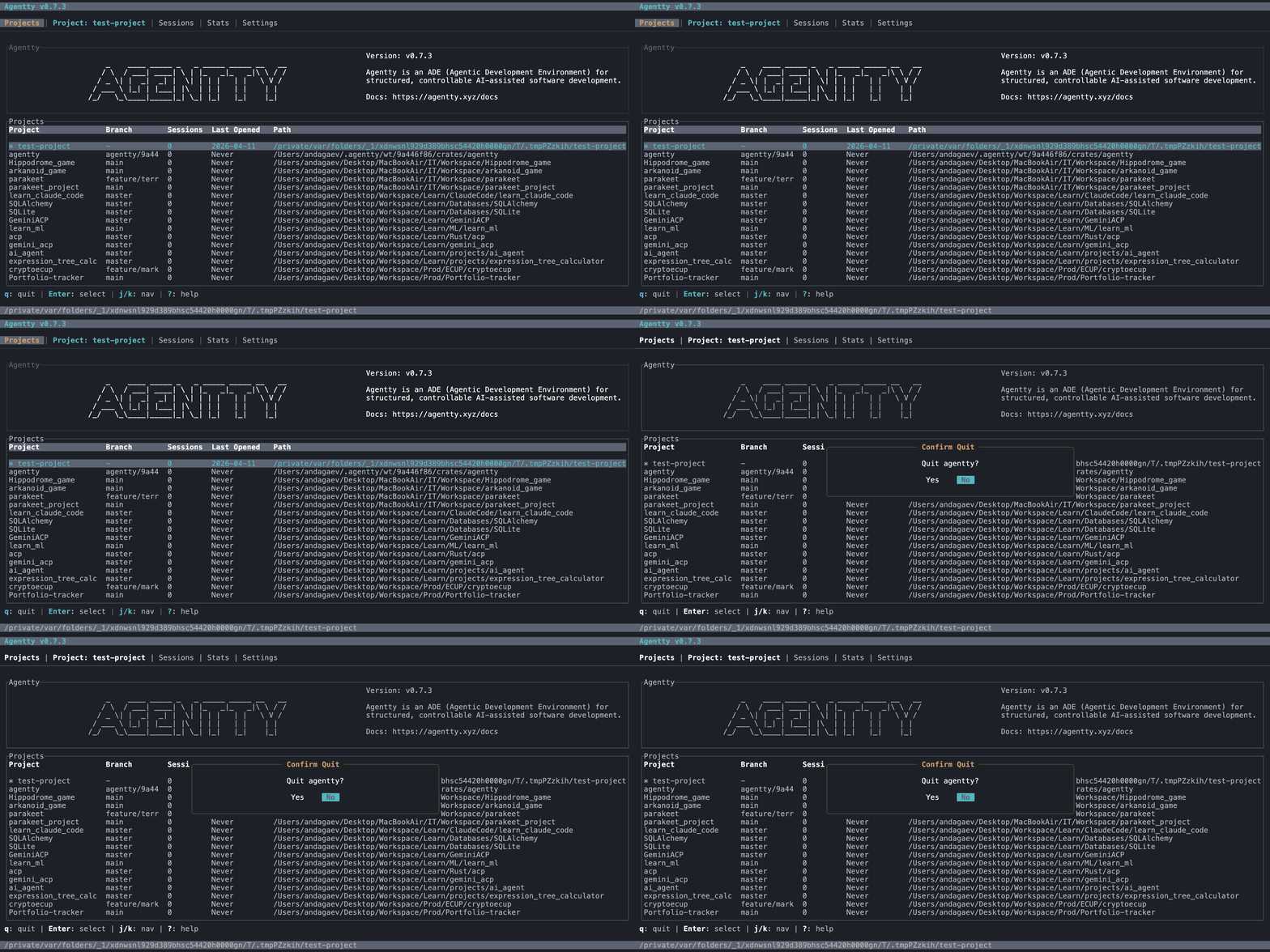
Dismiss the quit dialog to stay in the session.
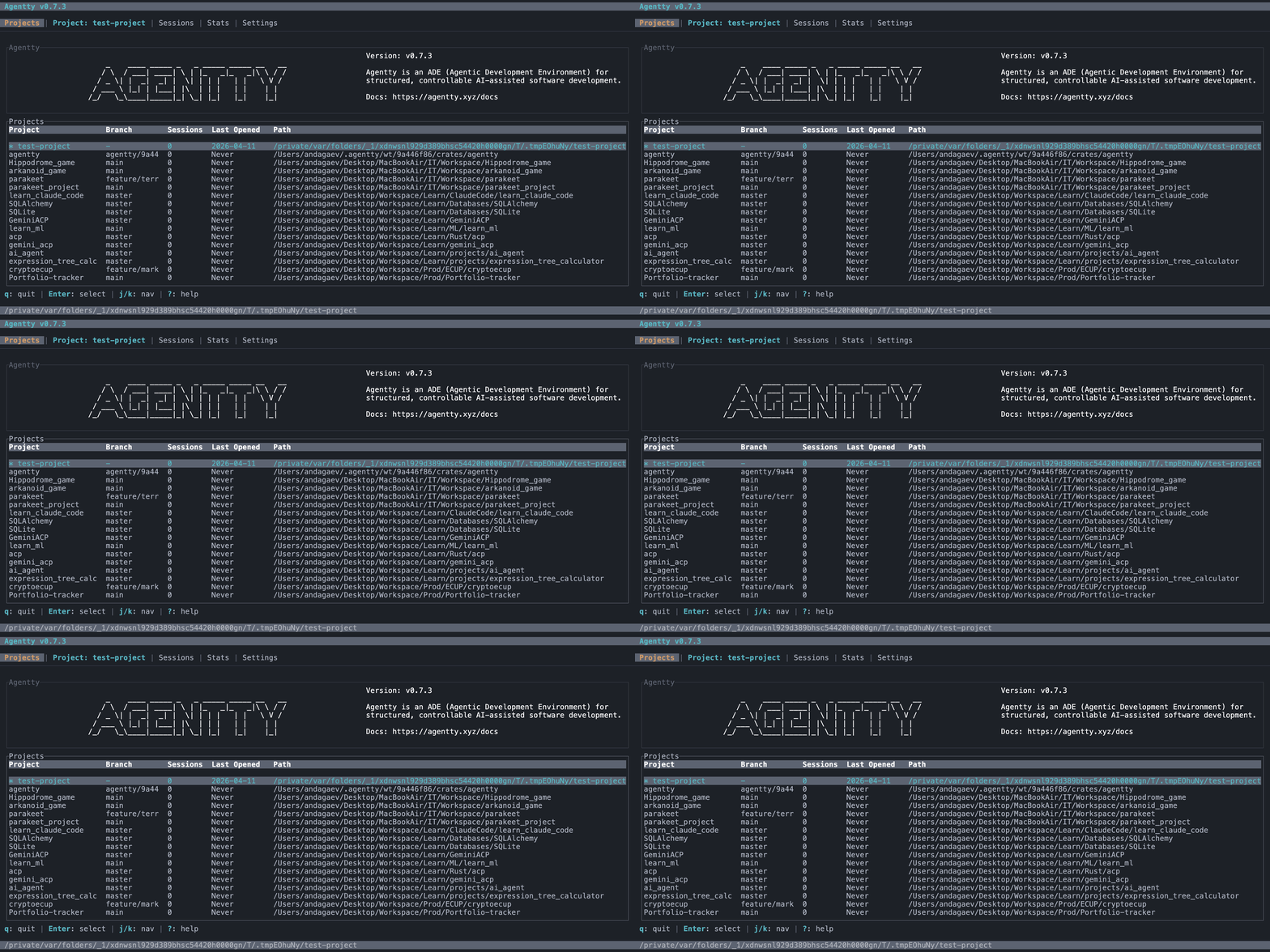
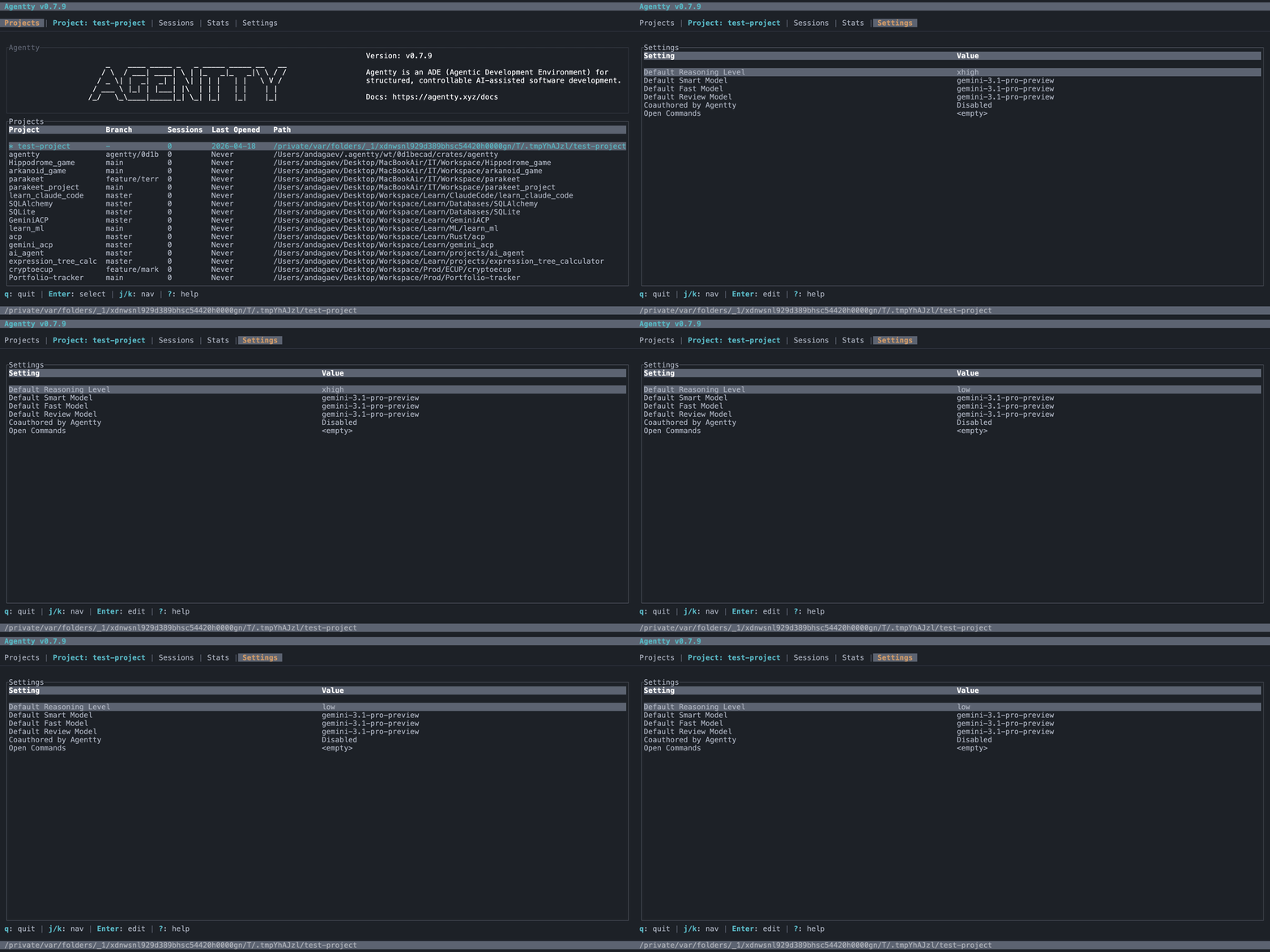
View and configure agent settings like reasoning level and models.
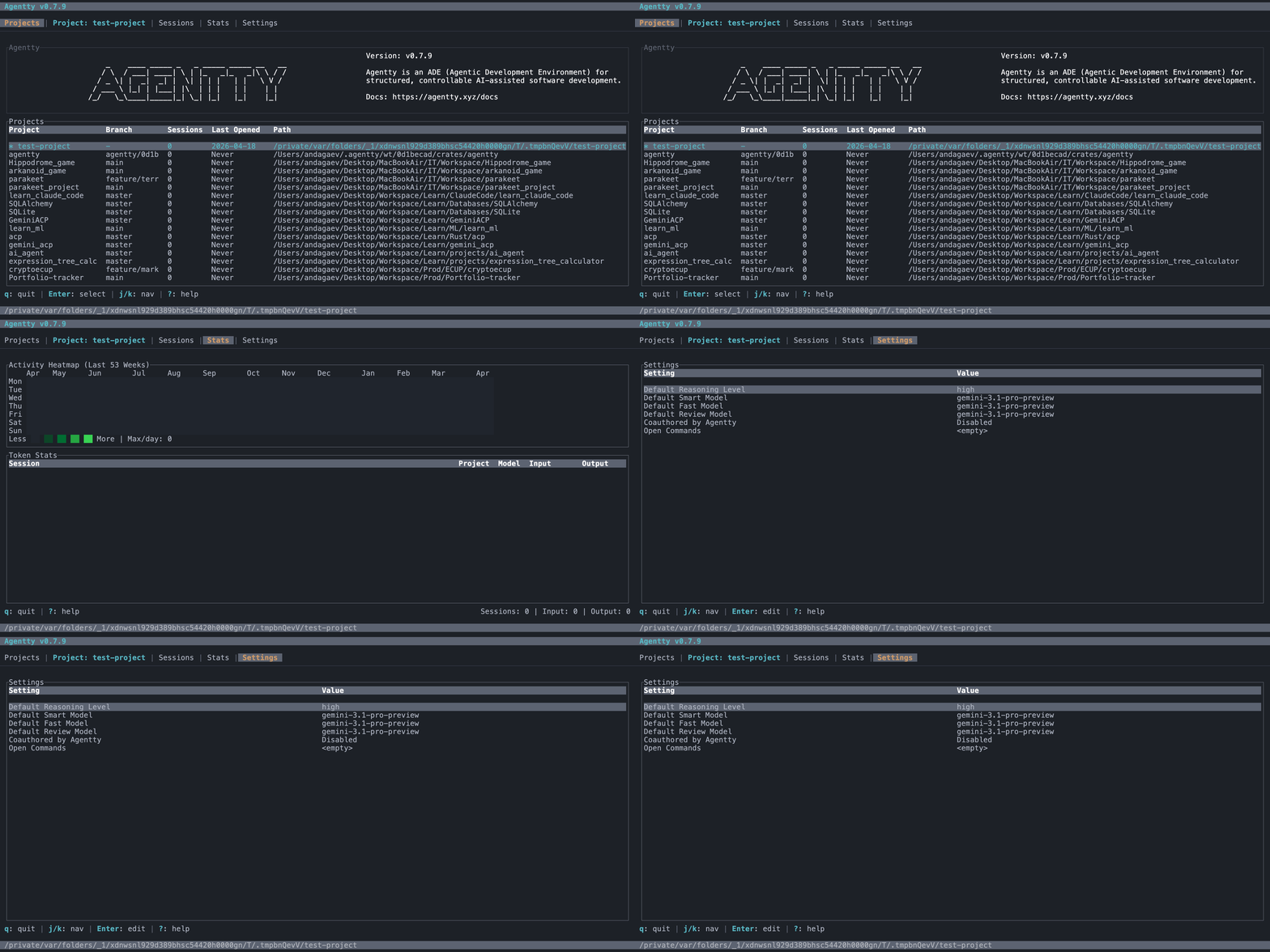
Navigate settings rows with j/k keys.
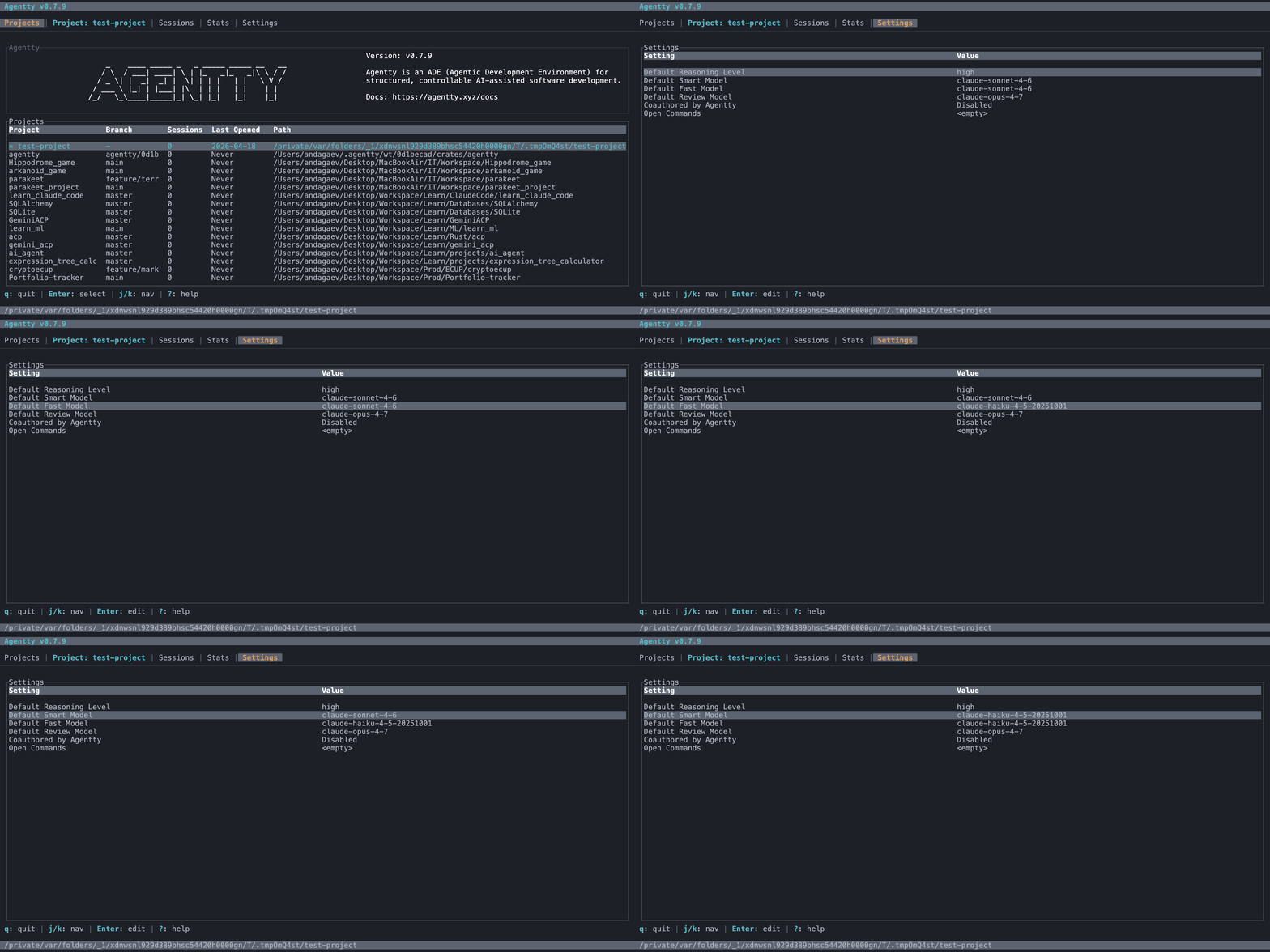
Choose model, reasoning, and response-speed defaults.
Select Agentty Default, Agentty Green, and Dark Horizon themes from settings.

Press ? on the Settings tab to see settings-specific keybindings.